User Interviews
Product analytics can show which features people use, but not what they were trying to do at the time. Imagine a dashboard showing that a third of accounts export their invoices to a spreadsheet every week, while nobody on the team knows why.
Learn on the move: press play and turn your commute, walk or drive into time that grows your design career.

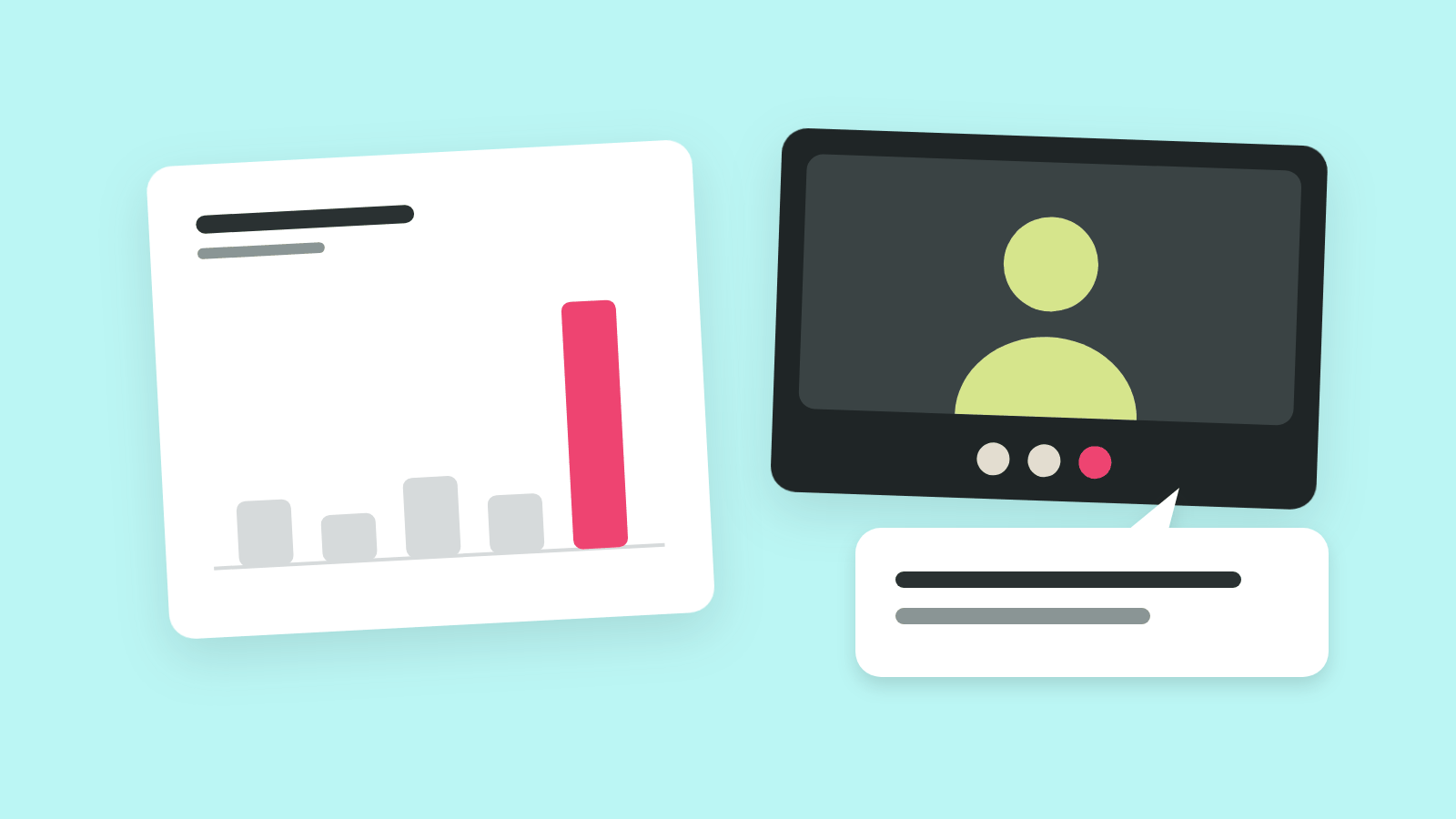
That's why a user interview talks to the people behind those numbers. One conversation per person, about their own work in the product, turns a usage pattern into a reason the team can design for.
What an Interview Adds to the Data
The data and the interview answer different questions about the same people. The data says how many accounts export and how often. The interview finds out that an accountant asks for a spreadsheet each Friday, and the export works around a missing shared view.
So the two work best in a loop. The data picks who to talk to and what to ask about. The interviews explain the pattern, and the team then checks that explanation against the data again.
Anatomy of a User Interview
Imagine an interview that ran an hour and left one line of notes: "likes the app, wants more reports." Nobody wrote down what the person did, the note-taker summarized instead of quoting, and nobody looked at the person's account.
Each of those gaps sits in a different part of the session. An interview with a product's own user has three parts, plus the notes that carry it to the team.
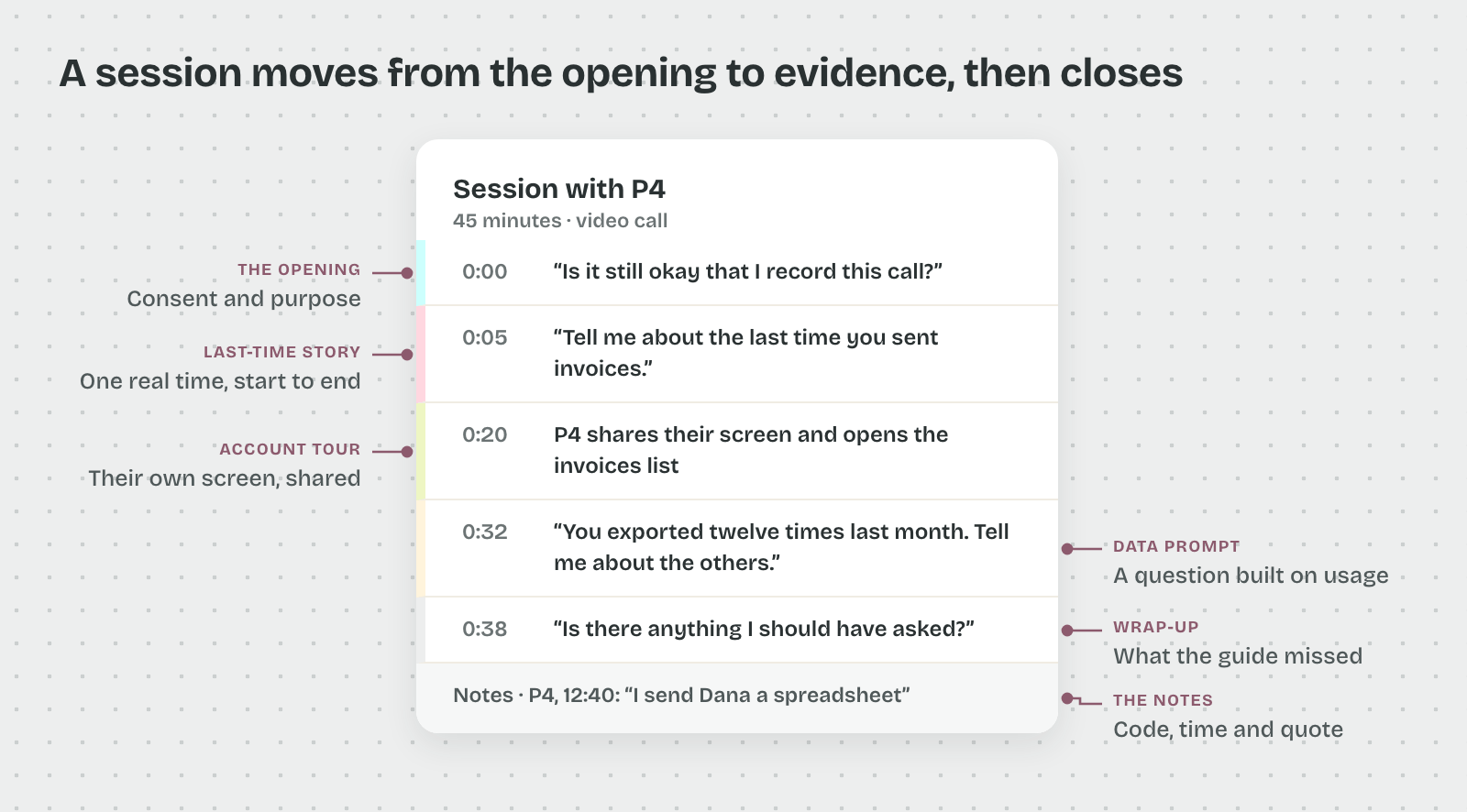
The Opening
The opening covers consent and sets the tone in the first few minutes.
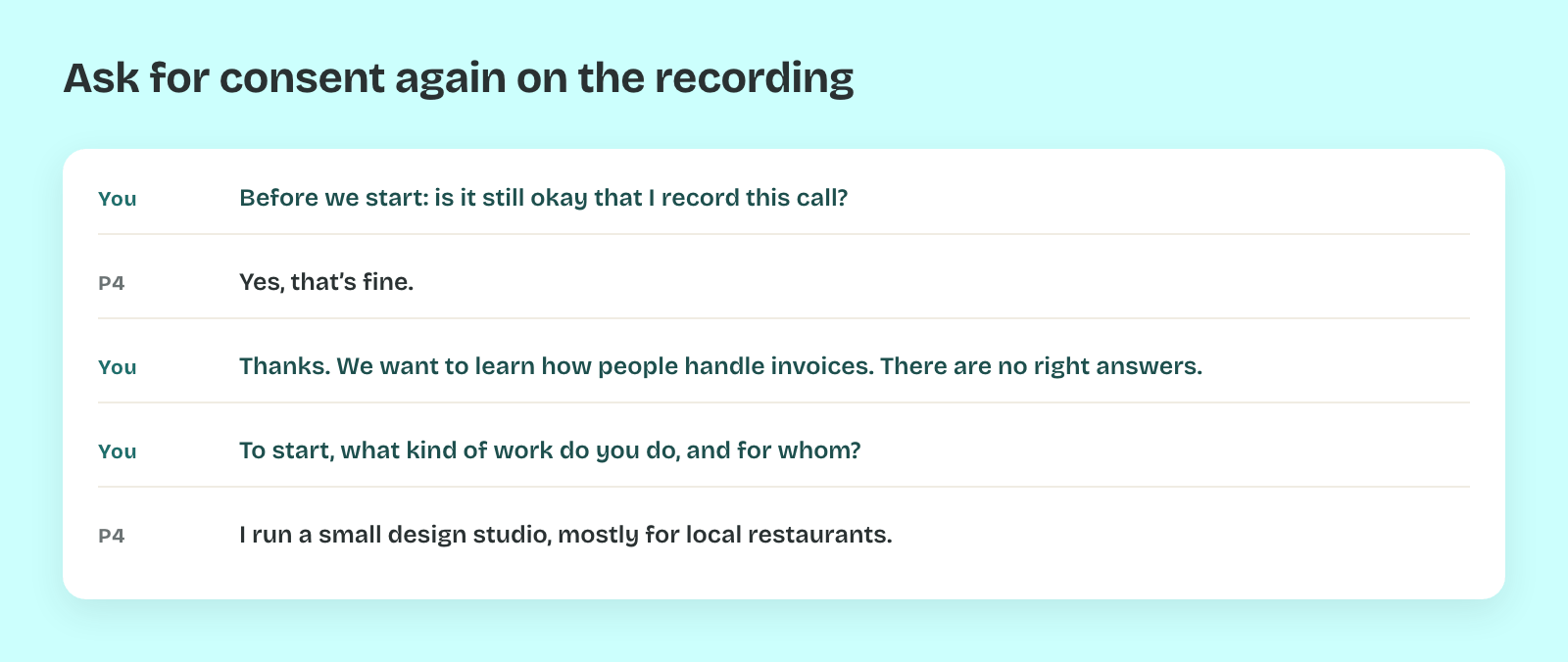
- Consent: the participant confirms on the recording that they agree to be recorded, even if they signed a form beforehand.
- Purpose: one neutral sentence about why you're talking, such as "We want to learn how people handle invoices."
- Warm-up: a question about their work in general, which they can answer without effort.
The Story and the Tour
So the middle of the session moves from talk to evidence.
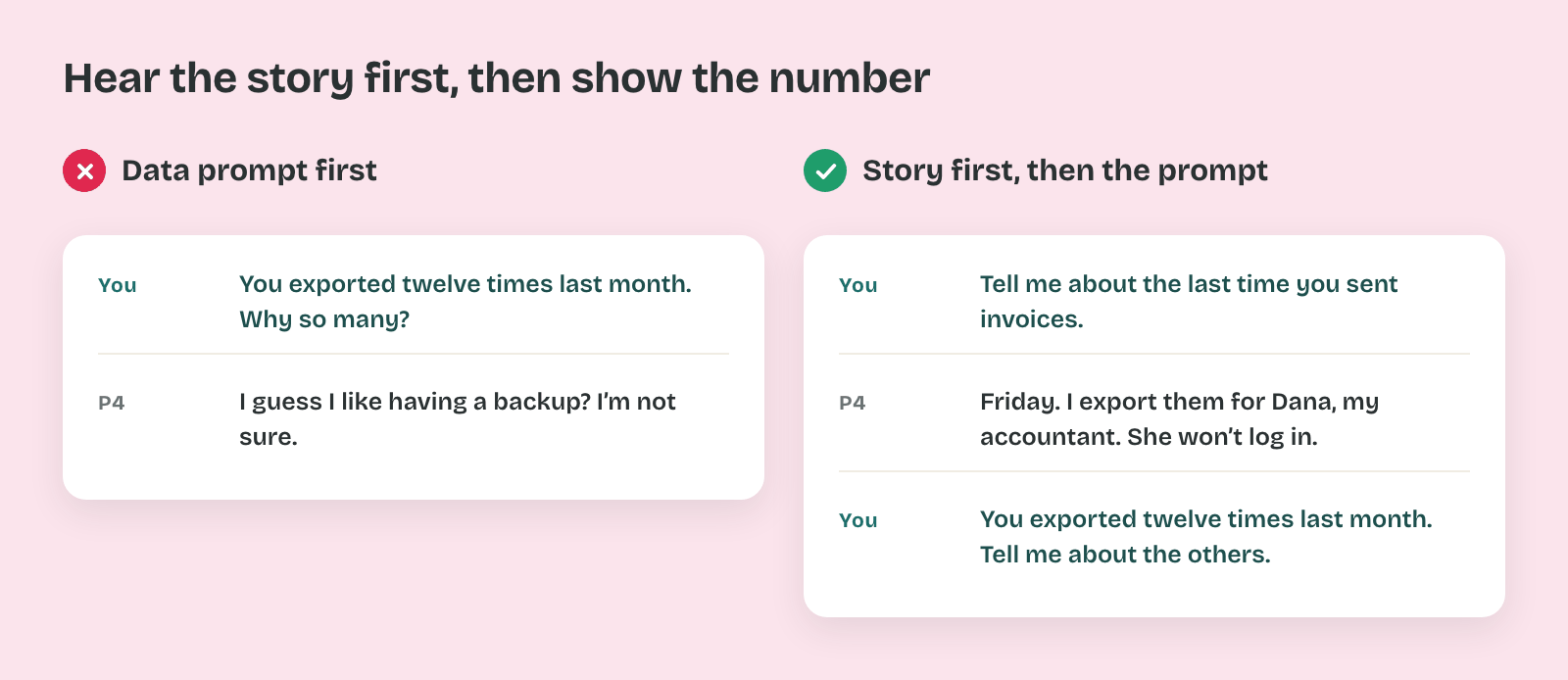
- Last-time story: the participant tells how they last did the task you study, from the trigger to the end. A story about one real Friday holds details that a general description drops.
- Account tour: the participant shares their screen and shows their own workspace, with their real invoices, folders and settings. People show workarounds they would forget to mention.
- Data prompt: a question built on their usage, such as "You exported twelve times last month. Tell me about the last one."
That order matters, because the story comes before the data prompt. A participant who hears their usage first tends to explain the number instead of telling what happened.
The Wrap-Up
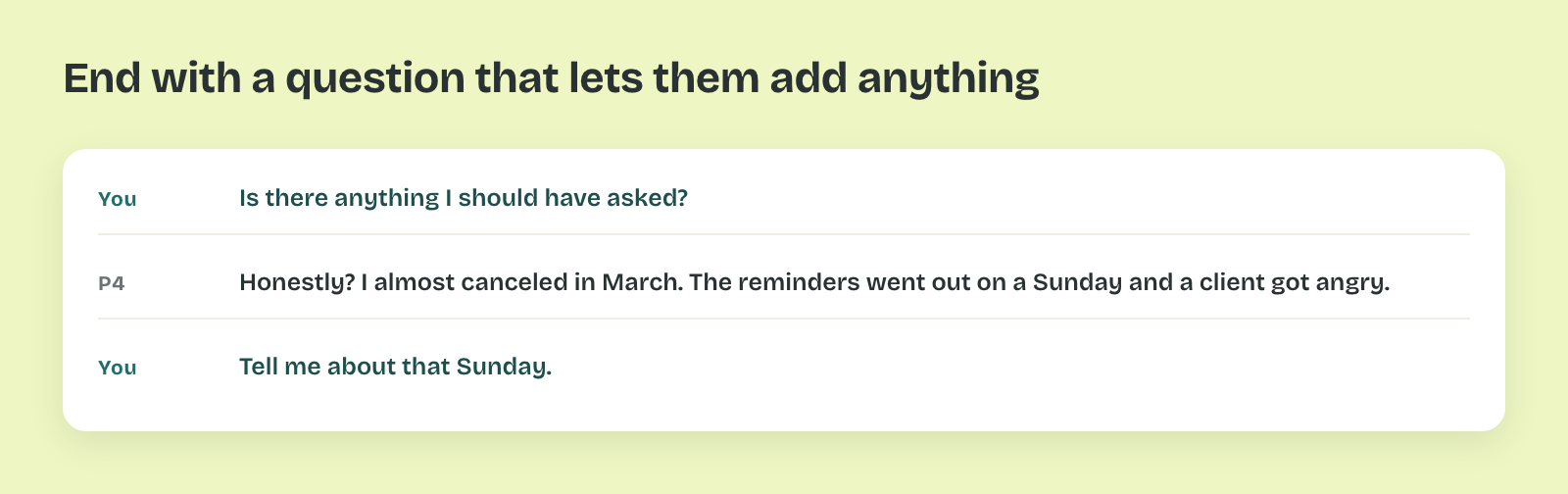
Thus the last minutes collect what the guide missed.
- Open door: "Is there anything I should have asked?" often brings the most candid answer of the session.
- Next step: how the incentive arrives, and whether the participant agrees to a follow-up question by email.
The Notes
That's because the notes are what the team will read, and memory fades by the next day.
- Interviewer: runs the conversation and keeps attention on the person, with no typing.
- Note-taker: writes what the participant says and does, as close to their words as possible.
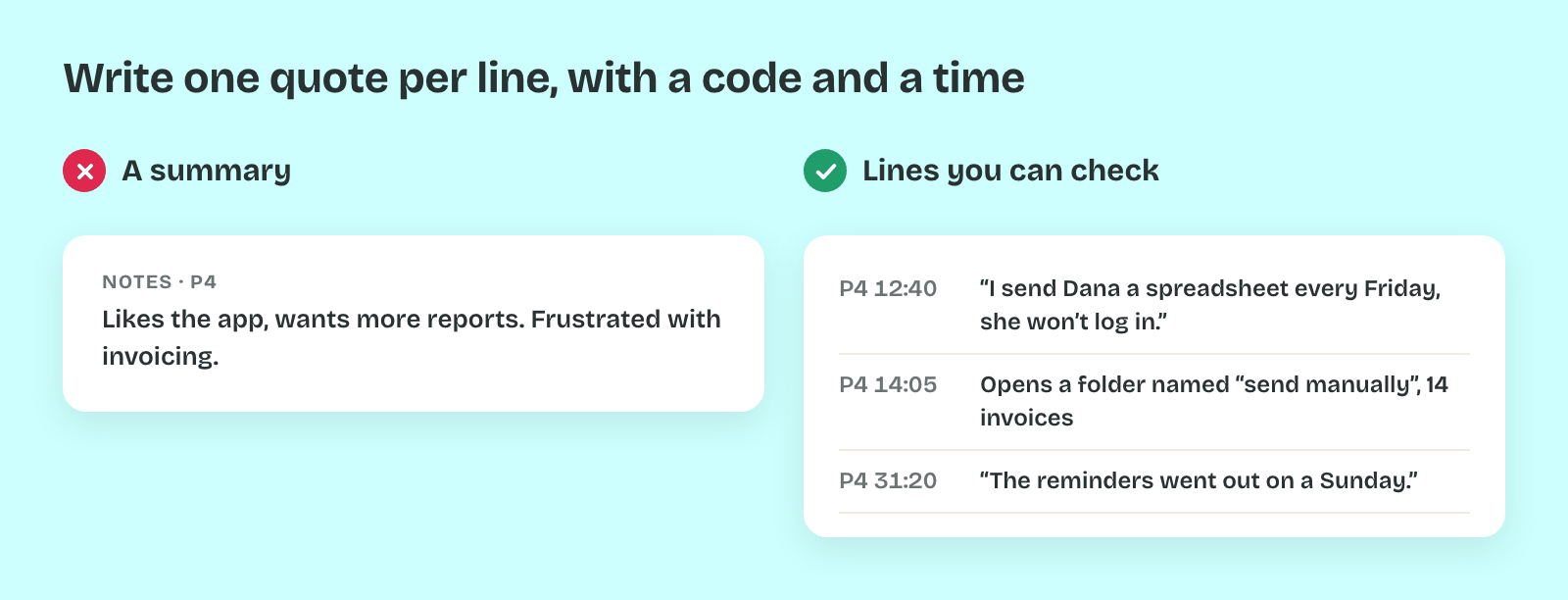
- Note line: one observation per line with a participant code, timestamp and quote, such as "P4, 12:40: I send Dana a spreadsheet every Friday, she won't log in."
In practice a quote with a timestamp can be checked and clipped later. A summary such as "frustrated with reports" can't be checked, because nobody knows which words it came from.
Pro tip: Book fifteen minutes after each session to clean up the notes while the conversation is fresh. Mark each line you're unsure of with a question mark, then check it against the recording.