
Personalized UX Design Learning Path: A Path Built Around You
Your personalized UX design learning path starts from two things: your matrix says where the gaps are, your mission says where you are going. The plan turns both into an ordered list of modules with dates on them, starting today.

What Decides the Order
Nothing here is a fixed curriculum. Every module carries skill tags, and each one is scored against where you stand right now before anything is put in front of you.
Your Widest Gap Leads
A module is scored by the biggest gap it touches, read off the same nine categories your competence matrix draws.
Weighted by What the Role Wants
That gap is multiplied by how much your role and level ask for the category, so a hole your role ignores stays low.
Your Mission Adds a Bonus
Modules tagged for your mission move up, and a rare tag moves more than a broad one. The bonus is capped.
Themes Stay in One Piece
Ranking happens by theme, and the modules inside one keep the order they were written in.
The cap on that bonus is what keeps a well-tagged module from jumping a queue you are already ahead of. Everything else moves the moment your numbers do.
Point It at One Thing
A mission is the goal the plan is sorted for. Pick one and every module tagged for it moves up, weighted by how specific that tag is. You can change it whenever the goal changes.
- Switch to a designer role
- Land your first job
- Filling skill gaps
- Career change
- Portfolio building
- Interview preparation
- Salary negotiation
- Remote work skills
- Freelancing
- Leadership skills
- Tools mastery
- Design systems
- Accessibility
- Team collaboration
- Presentation skills
15 to choose from today, and the team adds to the list.
Dates That Fit the Time You Have
Set a deadline and the modules are spread from today up to it, weighted by how long each one takes. A five-hour module counts for more than a thirty-minute one, so the days come out even instead of one weekend carrying half the plan.
The first module always sits on today, and nothing is scheduled past your deadline. Move the date and everything after it re-spaces.
- TodayWhatever leads the ranking, ready to open
- Each moduleReads and practice tasks, each with its own minutes and XP
- ProgressOne bar for the mission, plus a count on every module
- Finding thingsSearch, filter by skill, filter by started or finished
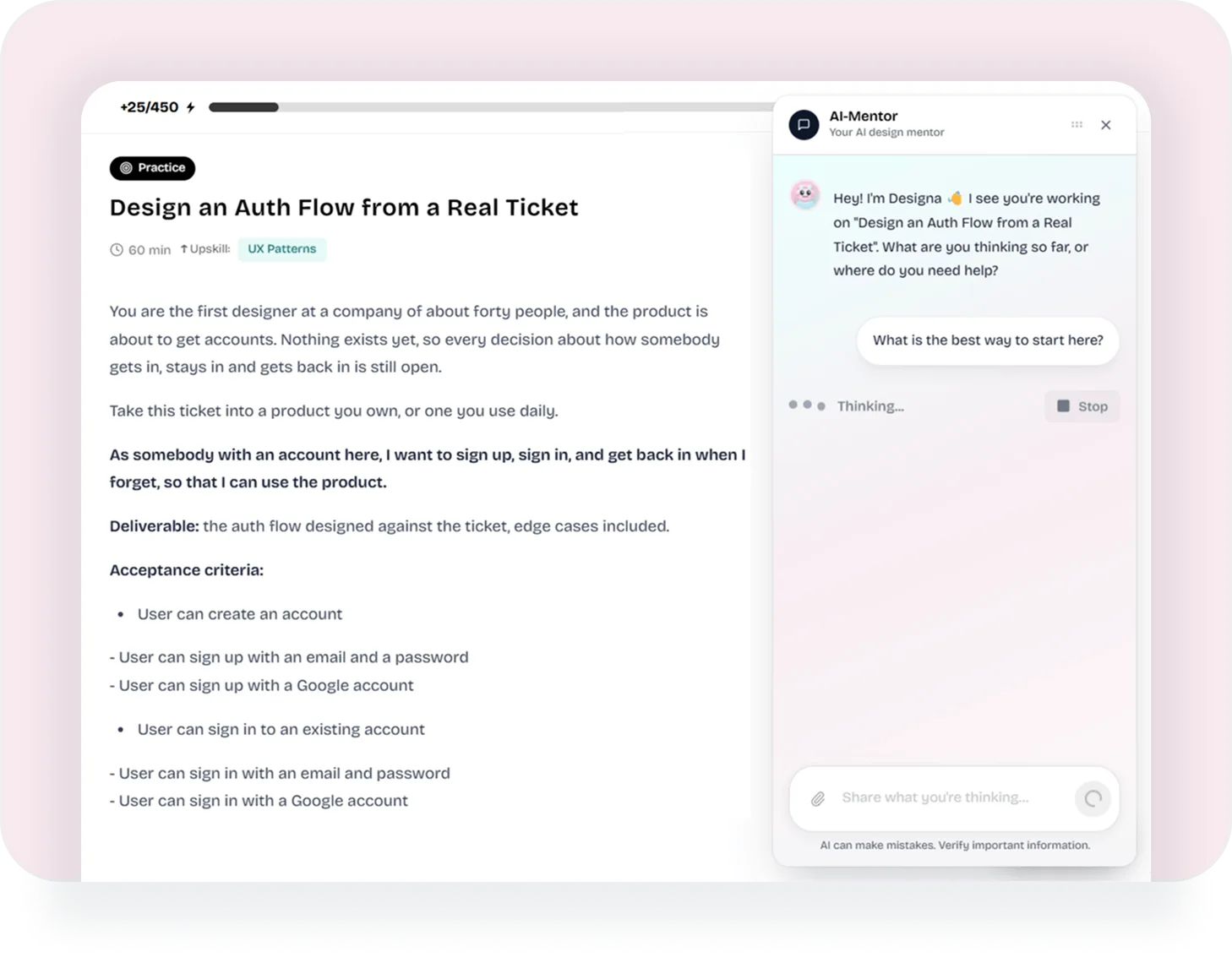
Theory, Then Something You Make
A module is a short read followed by a task you actually do, and both count. Reading moves the skill it is tagged with, finishing the practice moves it further, and the matrix takes them together.
Because of that, the plan closes its own loop. The work you do narrows the gap that put the module in front of you, and the next thing up is whatever is widest now.
Get a Plan That Is Actually Yours
Built from your own numbers, sized to your own week, free to start.
Your UX Design Learning Path and Other Learning Platforms
Course libraries teach topics; a learning path decides their order for you. Here is how two of the largest UX learning platforms compare with DesignPath.
Every option in one table: UX design learning platforms compared.
Questions People Ask
Do I need to finish the assessment first?
It helps, and it is not required. Without it the plan orders on your target role and level alone; with it the order is driven by measured gaps, which is the version worth having.
What if I only have an hour a week?
Set a later deadline. The schedule spreads the same modules across whatever range you give it, so the dates move rather than the work piling up on the first weekend.
Can I work on something that is not next in the plan?
Yes. The order is a recommendation, not a lock. Every module stays open, and there is a search box plus filters by skill and status for finding one directly.
What happens when I change my mission?
The plan re-sorts on the spot. Anything you have already finished stays finished, and your progress bar is measured against the whole library rather than against one mission.
Does the plan cost anything?
No. The growth plan, goal setting, the mini-courses and the practical exercises are all on the free plan. Certificates for finished modules are the Premium part.
How is this different from a course?
A course has one order for everybody. This one is built from your own numbers, and it re-sorts every time those numbers move.