Pattern Surveys
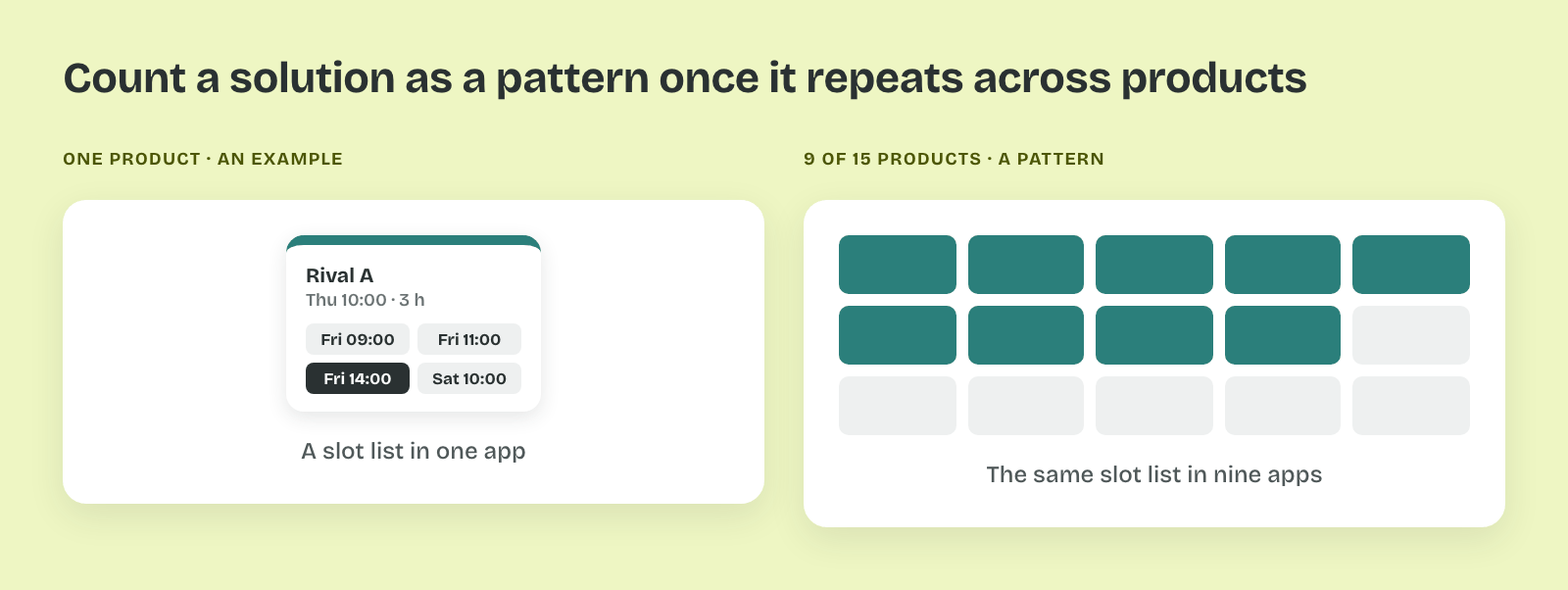
A feature designed without a look at other products can miss the approach people already know. Imagine a team that designs rescheduling from scratch and ships a calendar, while 9 of 15 booking apps let people pick from a short list of open times.
Learn on the move: press play and turn your commute, walk or drive into time that grows your design career.

That's why a pattern survey looks at many products before the team picks an approach. It shows which approaches exist and how common each one is.
What a Pattern Survey Shows
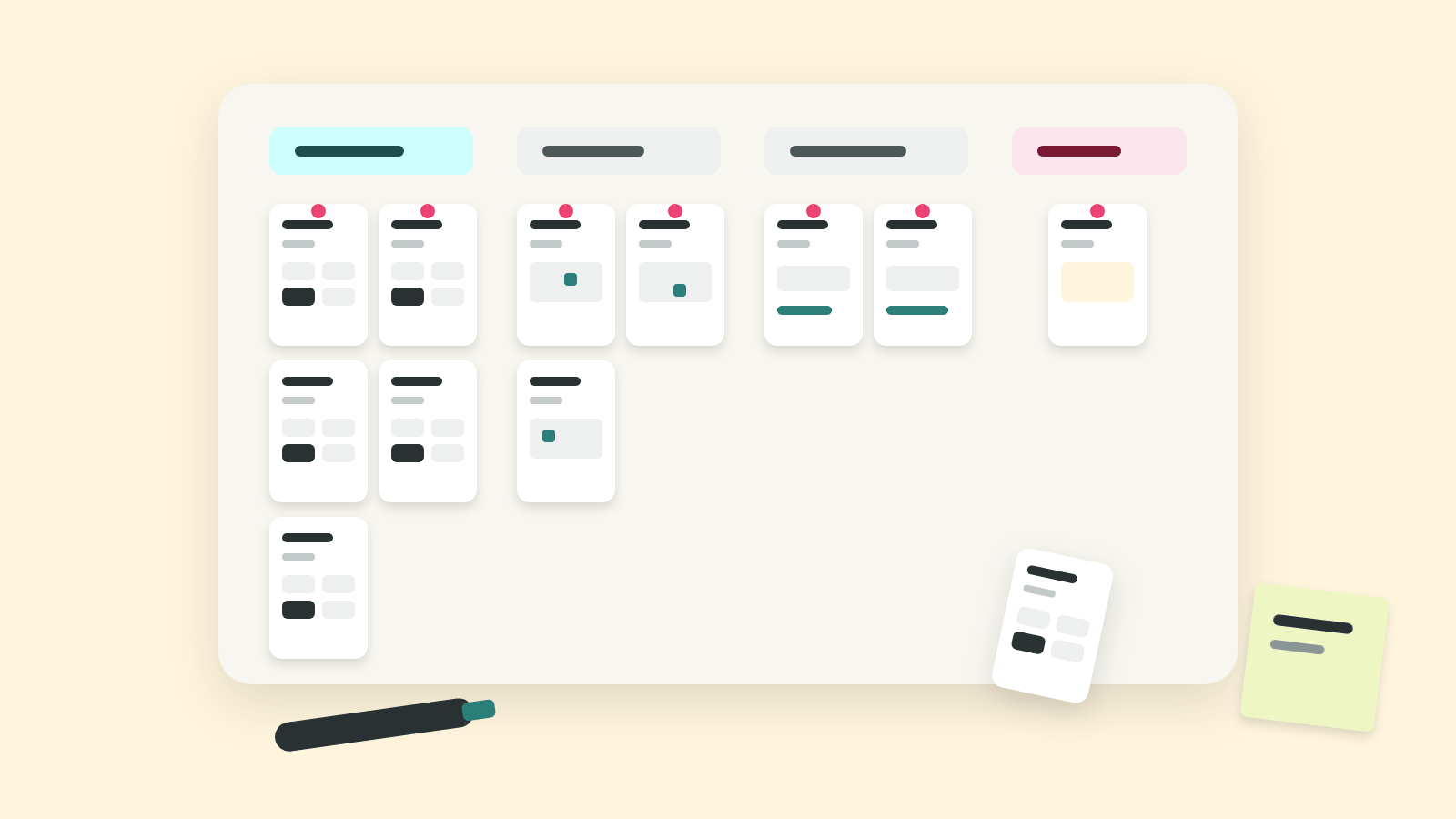
A pattern survey collects screens of one feature from many products, often 10 to 20, and sorts them into groups by approach. The result is a board where each column is one way to solve the problem, with the number of products that use it.
So the survey answers how others handle a feature, and leaves speed and success to other methods. It looks wide and shallow, at one flow in each product.
Collecting Screens Across Products
Screens captured in different ways can't be compared later. Imagine a survey where one reschedule screen comes from a phone, another from a tablet, and a third from a marketing page that skips the real flow.
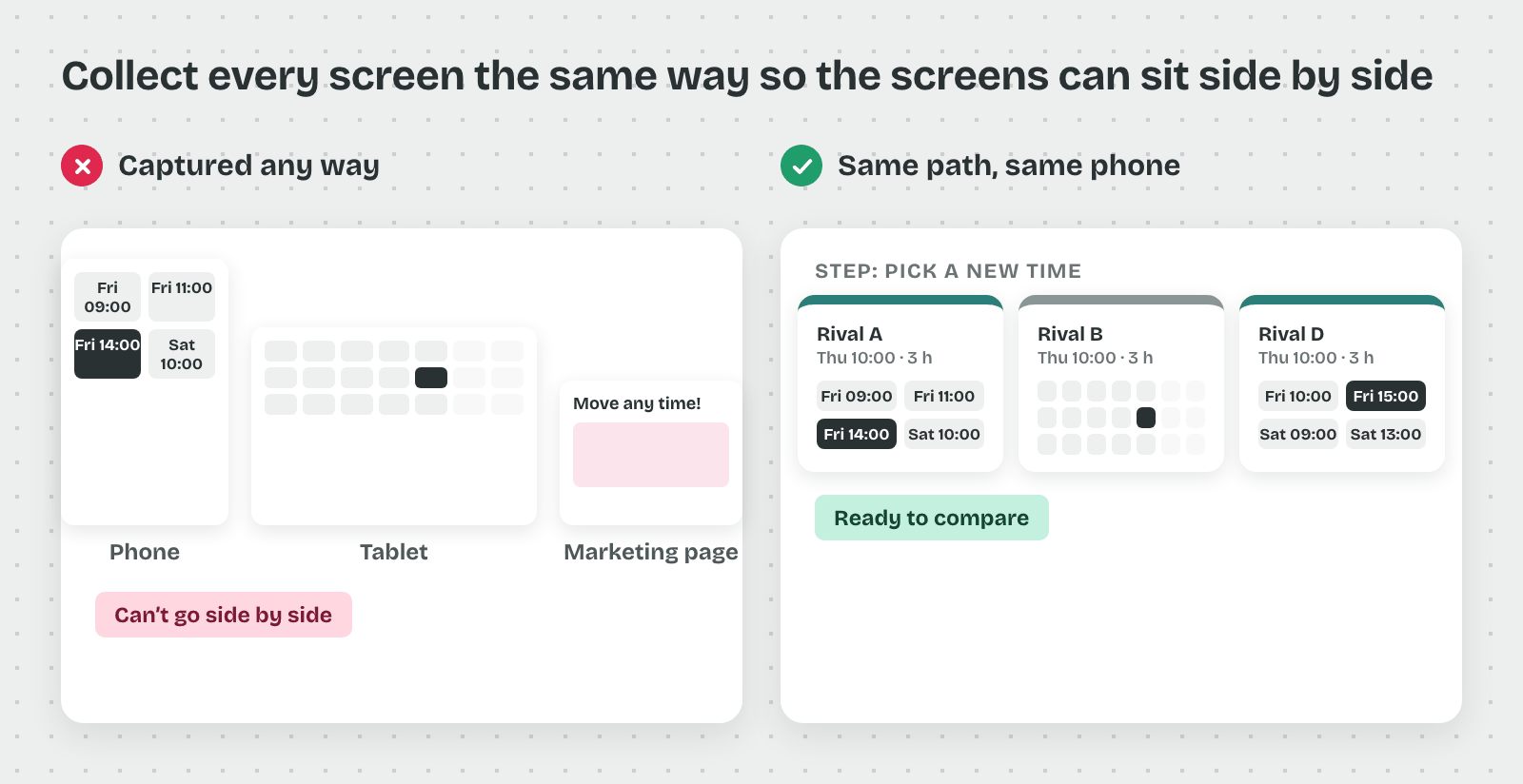
So a pattern survey collects screens the same way from every product, along one fixed path.
What a Pattern Survey Collects
A pattern survey collects screens of one feature from many products and looks for the solutions that repeat. The word comes from architecture. Christopher Alexander described 253 recurring solutions to building problems in his 1977 book A Pattern Language.
That's why one product's screen counts as an example, and the same idea in nine products counts as a pattern. The survey needs enough products for repeats to show up.
Walk the Same Path in Every Product
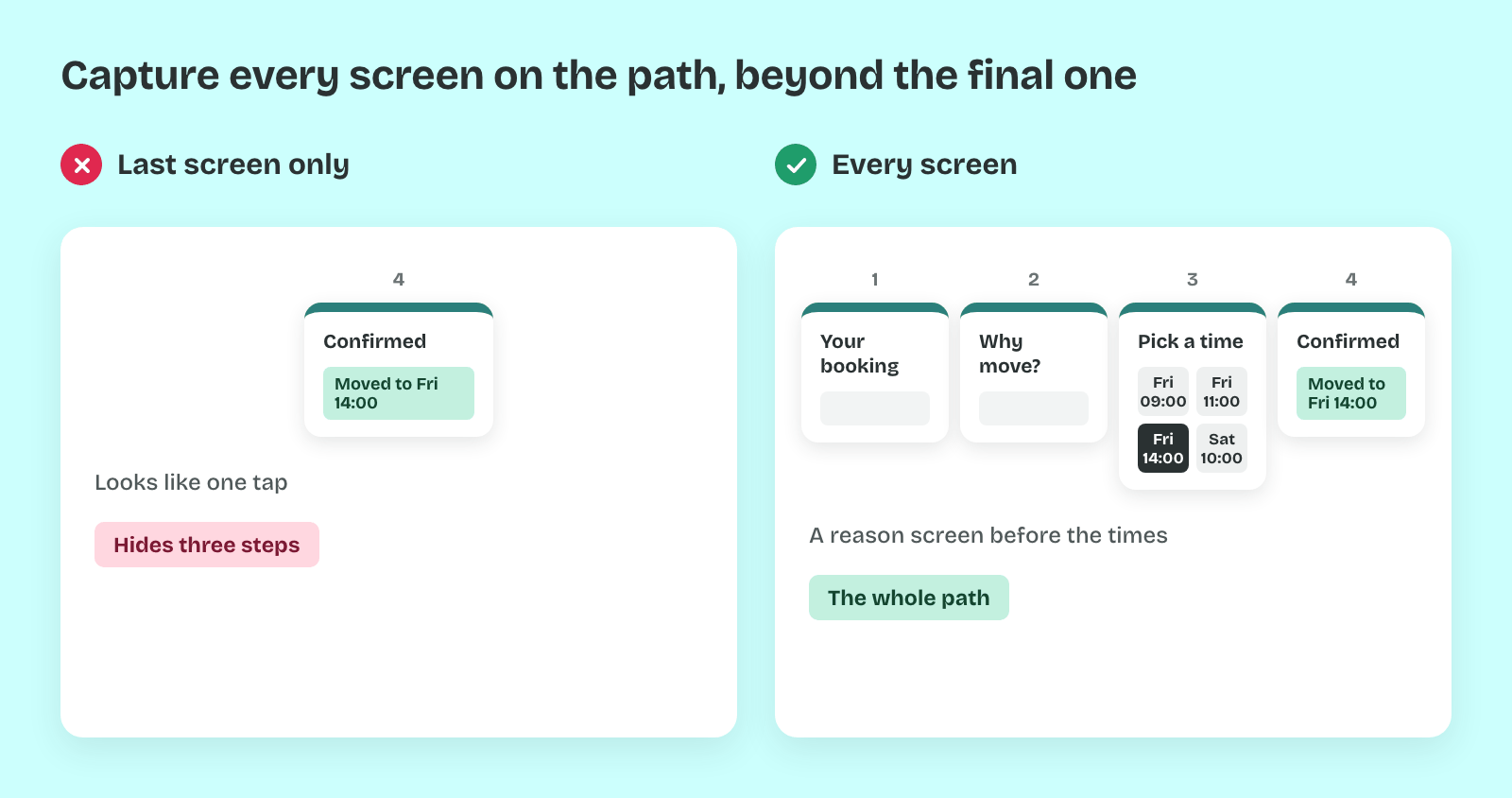
Each product is walked from the same start screen to the same end screen, and every screen on the way gets captured. For the cleaning app, that means opening a booked cleaning, choosing a new time and reaching the new confirmation.
So the in-between screens count as much as the last one. A rival with a neat confirmation and three confusing steps before it looks simple only in its final screenshot.
Capture the Edge States
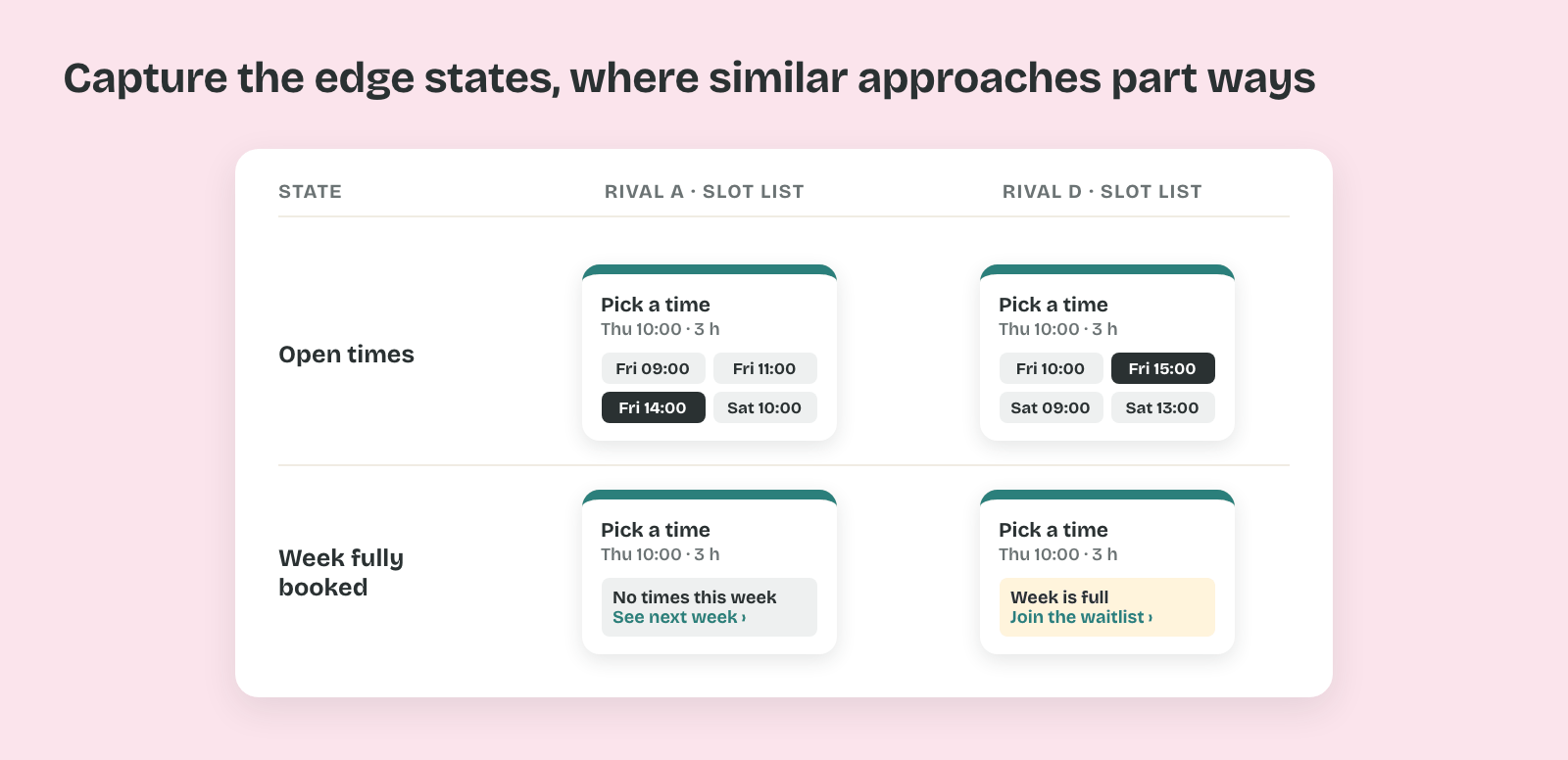
A flow has more than its smooth path. Capture what each product shows when no slot is free, when the change comes too late to be free, and after the change goes through.
That's because edge states often separate approaches that look alike. Two slot lists can behave very differently once the week is fully booked.
Same Phone, Fresh Account, Same Week
Use one phone size, a fresh account and the same week for every product. A tablet layout next to a phone layout makes one approach look roomier than it is.
Thus every screenshot carries the same conditions. Products also change often, so a capture from last spring can show a flow that no longer exists.
Log Every Capture
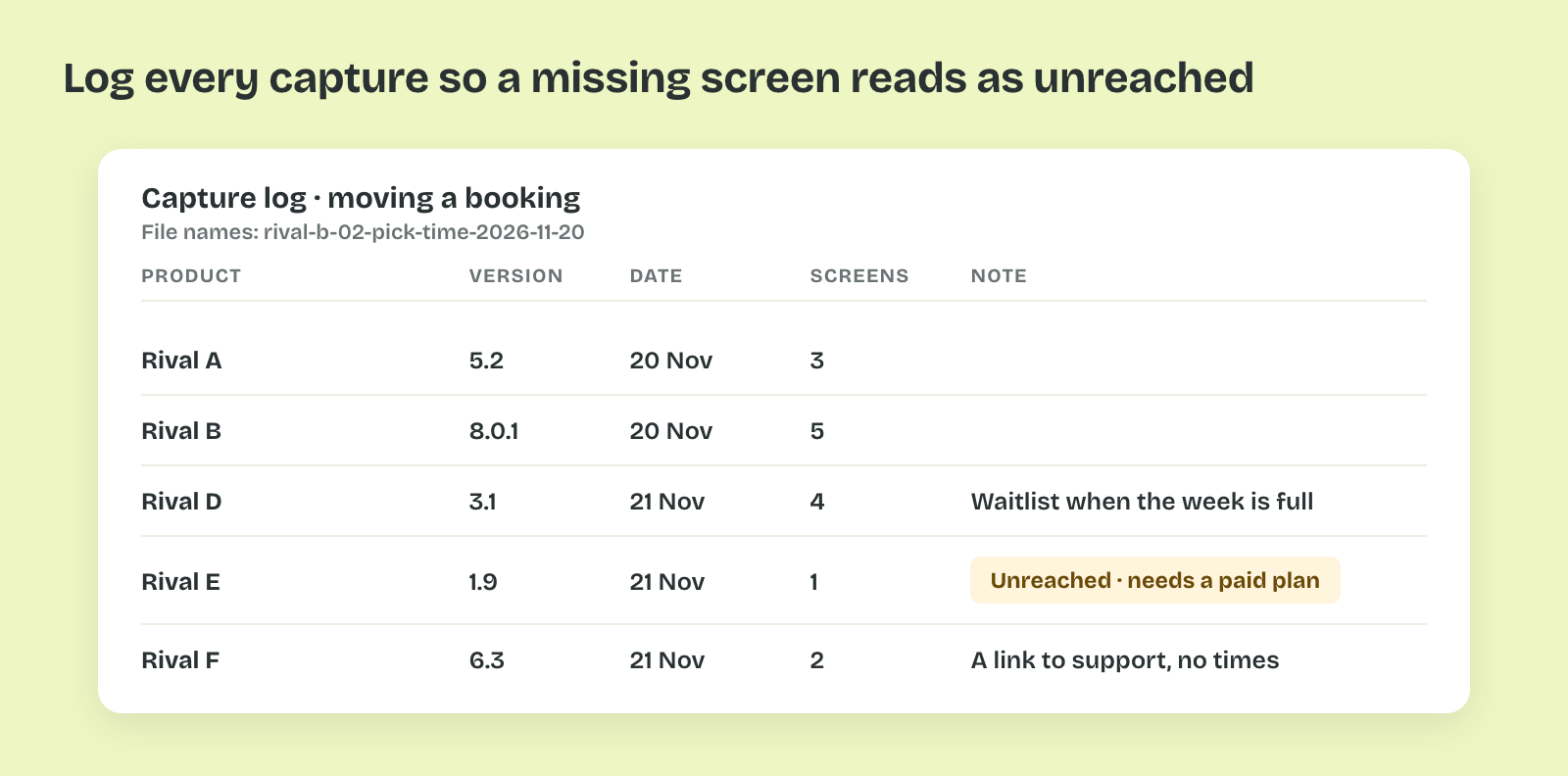
Every screenshot gets a file name with the product, the step and the date, such as rival-b-02-pick-time-2026-11-20. A log sheet lists each product with its version, the capture date and any screen you couldn't reach.
So the survey can be checked and rerun. A screen behind a paywall goes into the log as unreached, because a missing screen otherwise looks like a missing feature.
Pro tip: Record a screen video of each walk alongside the screenshots. The video keeps the animations and loading states that a still frame skips.