Feature Teardowns
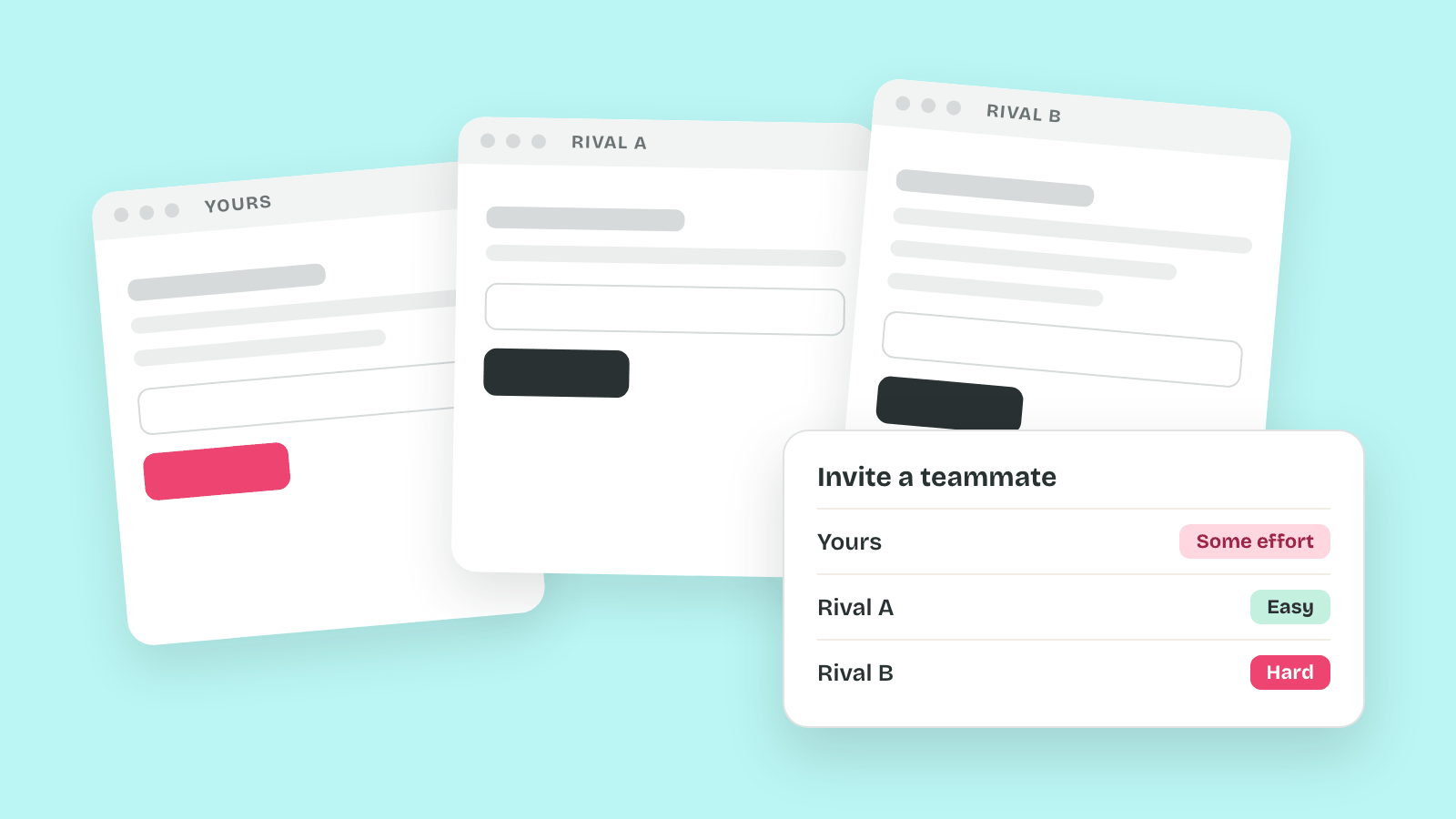
A rival's flow copied from a screenshot tends to arrive without the reasons it works. Imagine a team that copies Rival A's three-screen reschedule flow, then finds its own customers tapping Cancel when they meant to move a cleaning.
Learn on the move: press play and turn your commute, walk or drive into time that grows your design career.

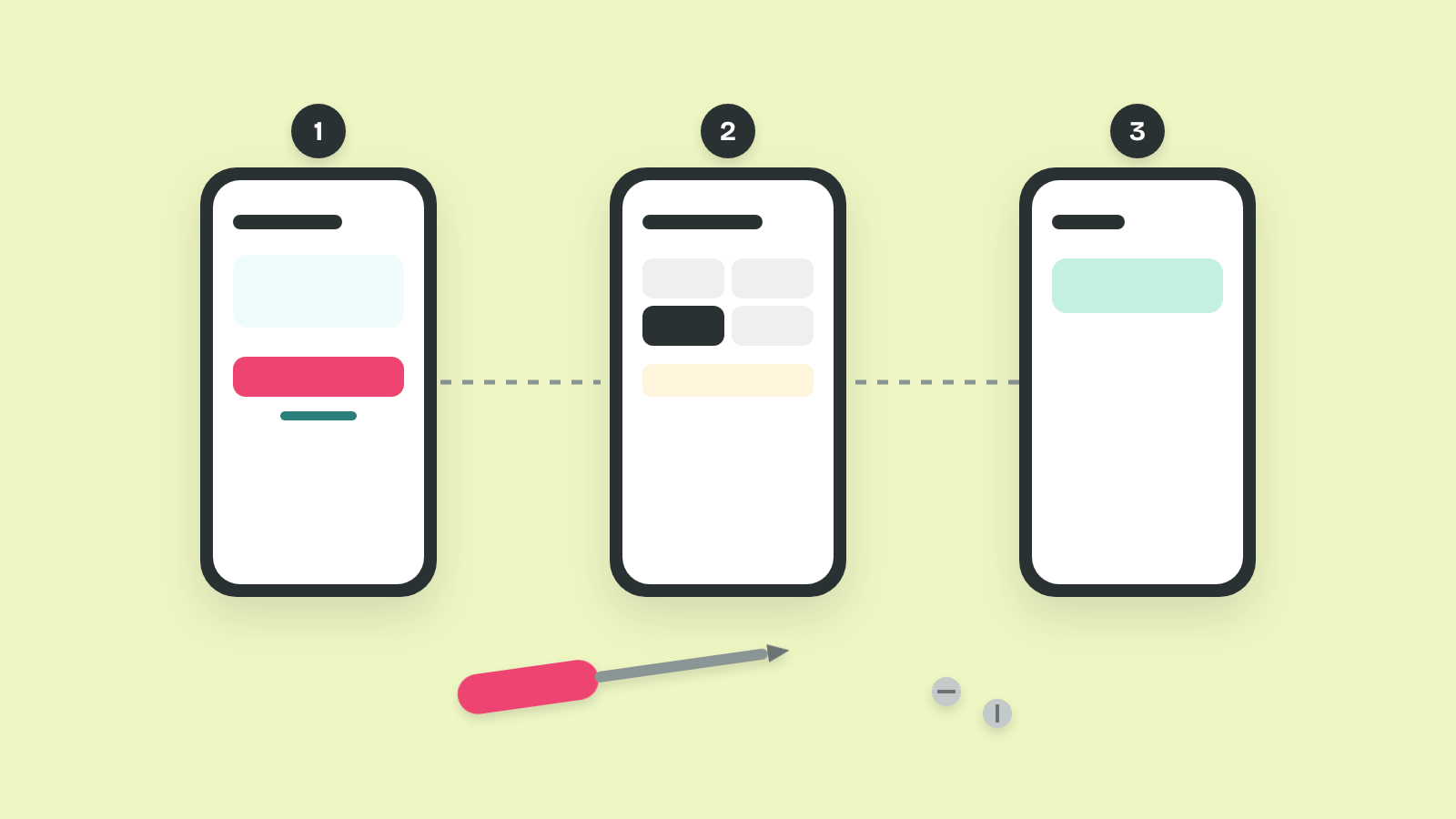
That's why a feature teardown takes one rival's flow apart before anyone copies it. It shows each screen, each state and each choice, with what that choice costs.
What a Teardown Adds
A teardown studies one flow in one product, step by step, the way an engineer takes a device apart to see how it was built. Samuel Hulick's site UserOnboard publishes screen-by-screen teardowns of how apps welcome new users.
So a teardown goes deep where other methods go wide. It explains why a flow behaves the way it does, and leaves counting and timing to other methods.
Walking a Rival's Flow Step by Step
A quick look at a rival tends to end in "it feels clean," which nobody can act on. Imagine a designer who taps through Rival A's reschedule flow in a minute and can't say what any screen decided for the person.
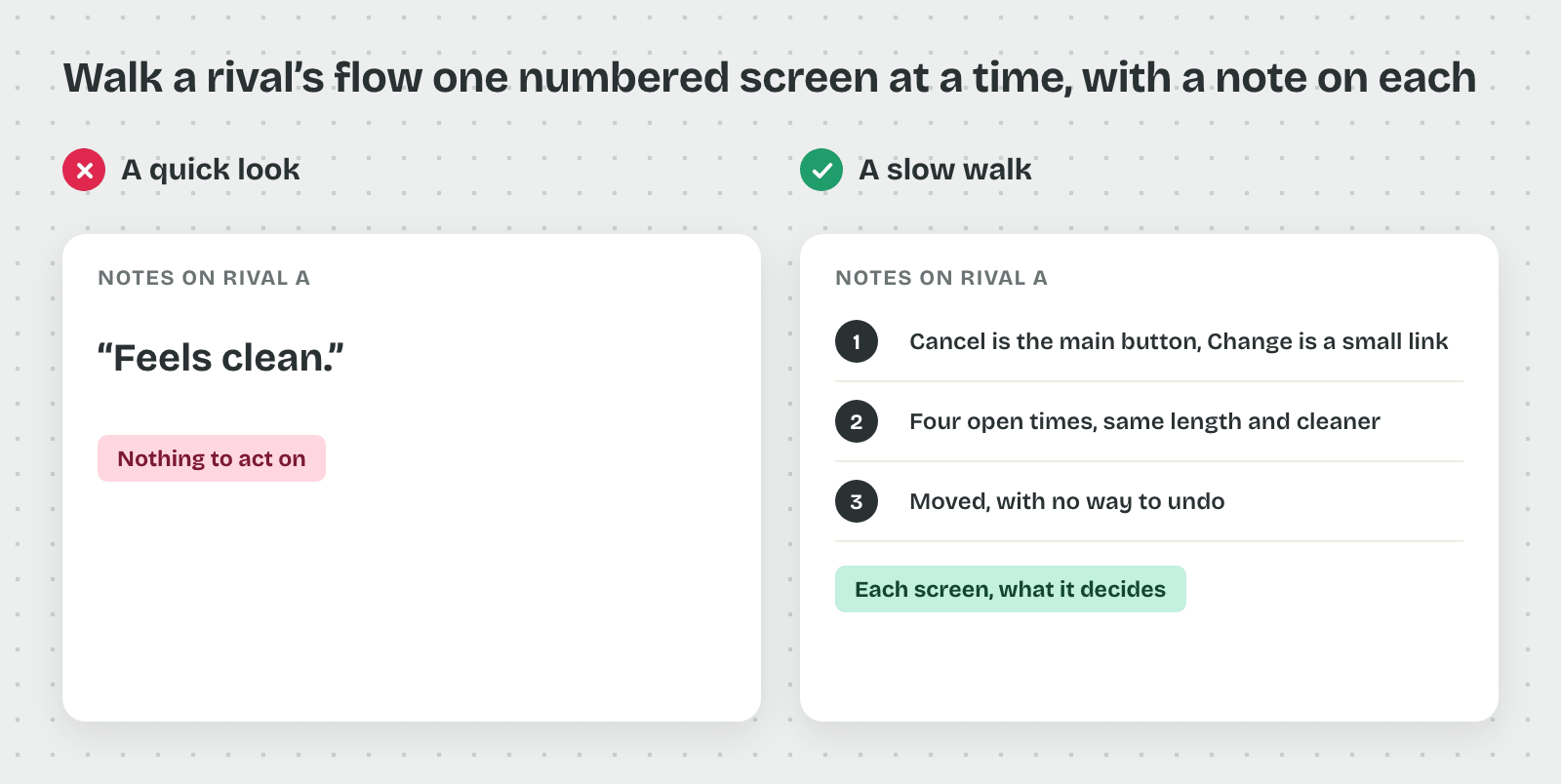
So a teardown walks the flow slowly, one numbered screen at a time, with notes on what each screen asks and decides.
One Flow, One Goal
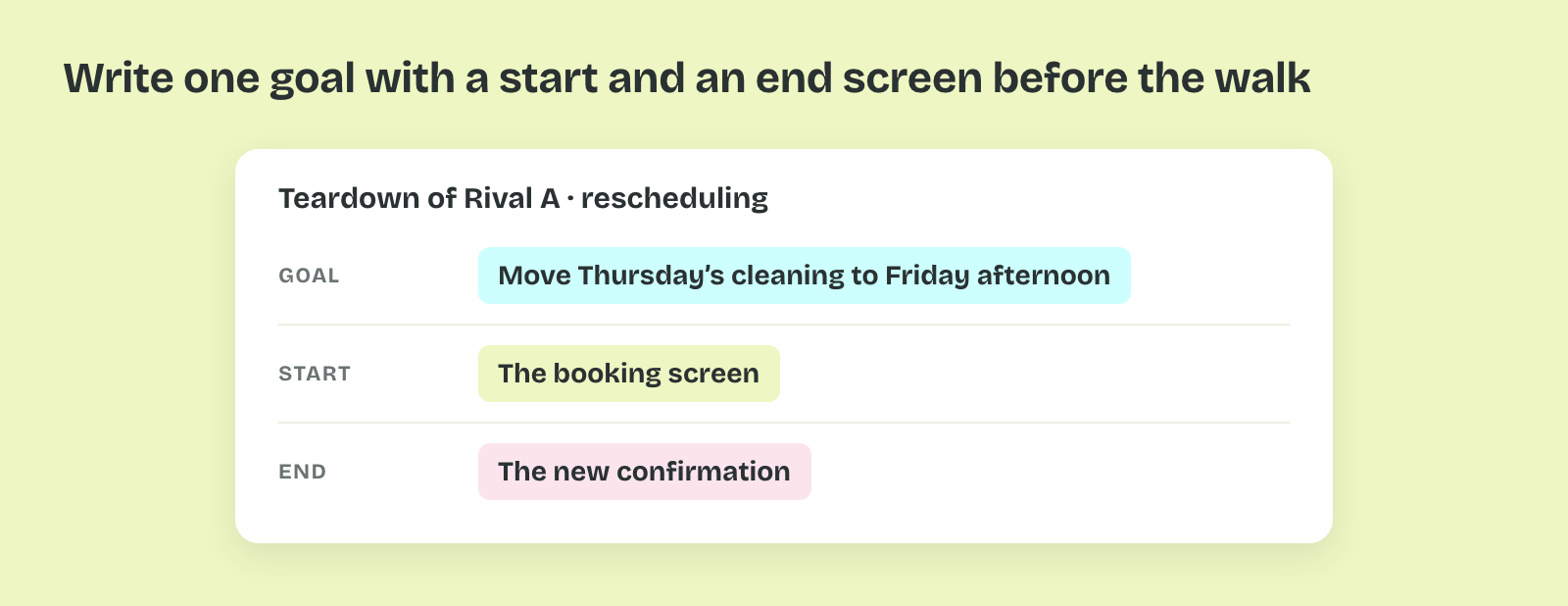
A teardown follows one person with one goal from a start screen to an end screen. For the cleaning app, the goal is moving Thursday's cleaning to Friday afternoon, from the booking screen to the new confirmation.
That's why the goal is written down before the walk. A walk without a goal drifts into settings, promotions and other flows.
Number Every Screen
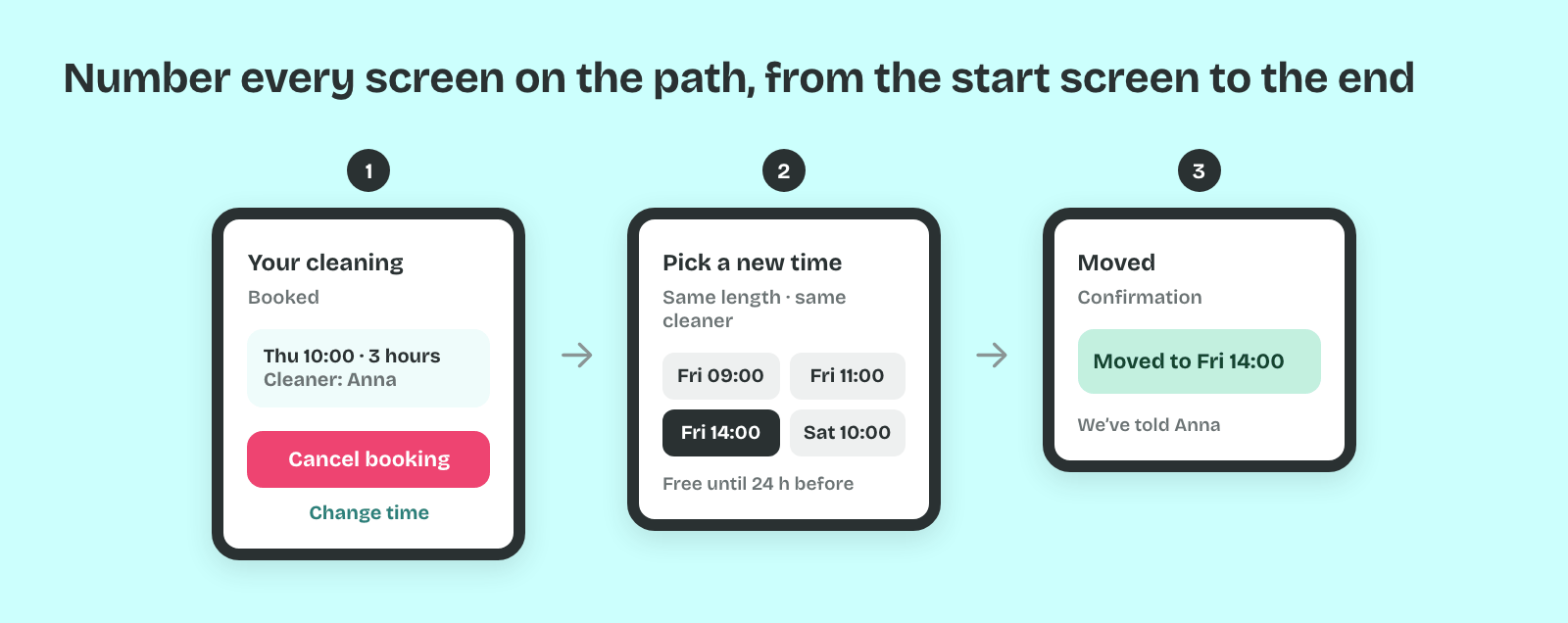
Each screen on the path gets a number and a screenshot, including pop-ups and messages that vanish after a second. Rival A's flow has three screens: the booking, a list of open times and the confirmation.
So a teammate can follow the walk without the app. A screen recording of the same walk keeps the transitions and loading moments that stills skip.
Note What Each Screen Asks and Decides
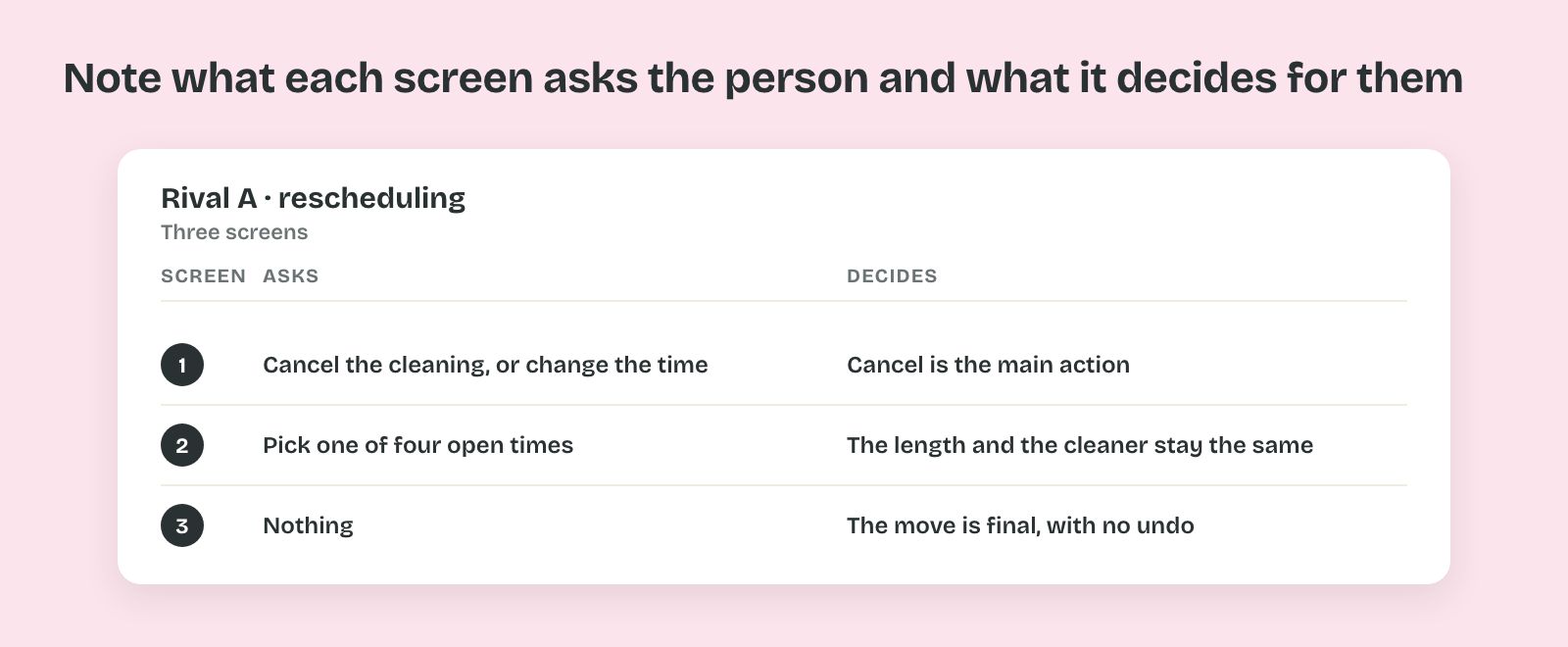
For every screen, write what it asks the person to do and what it decides for them. Rival A's second screen asks for one of four times and decides that the cleaning stays the same length.
That's because the decisions are where the design lives. A screen that keeps the same cleaner without asking or the same price has made a choice the person never saw.
Spot the Defaults
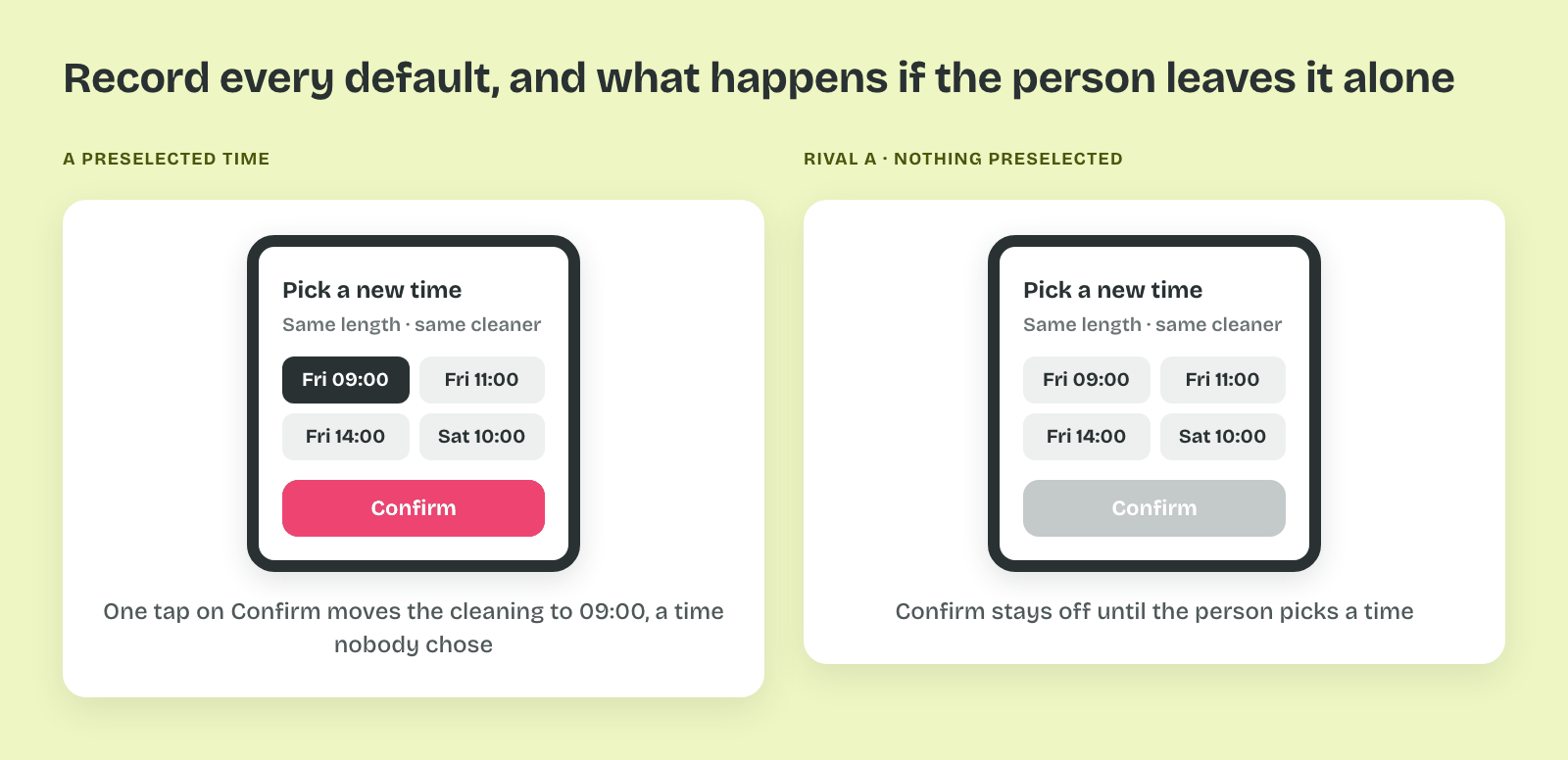
A default is the option a screen picks before the person does, such as a preselected time. Defaults carry weight: Eric Johnson and Daniel Goldstein ran an online experiment for a 2003 paper in Science. About 82% agreed to be organ donors when donation was the default, against 42% when they had to opt in.
So every default goes into the notes, with what happens if the person leaves it alone. Rival A preselects no time, so nobody moves a cleaning by accident.
Pro tip: Walk the flow twice: once as a first-time user and once as someone who has done it before. The second walk shows the shortcuts a regular customer relies on.