Design QA
A design can pass its review in Figma and still reach users looking different. Imagine an order history screen that matched the mockup on a 1440 px laptop. On a 375 px phone, a long store name pushes the price off the card, and the Reorder button shows no focus ring.
Learn on the move: press play and turn your commute, walk or drive into time that grows your design career.

So somebody has to look at the built product before it ships, with the design open beside it. Design QA is that check: the designer reviews the build against the design and gets the differences fixed.
Where Design QA Fits
Design QA sits between the handoff and the release. Kizi Arezi described HubSpot's version in 2019: the engineer puts the feature on a staging build and moves its issue to a Design QA board. The designer then checks the build and logs each bug with a severity.
That makes it a different step from its neighbors. Your own check of the file before handoff belongs to Attention to Detail, and the handoff itself to Documentation & Handoff. The quality bar the build is measured against comes from Design Workflows.
Anatomy of a Design QA Pass
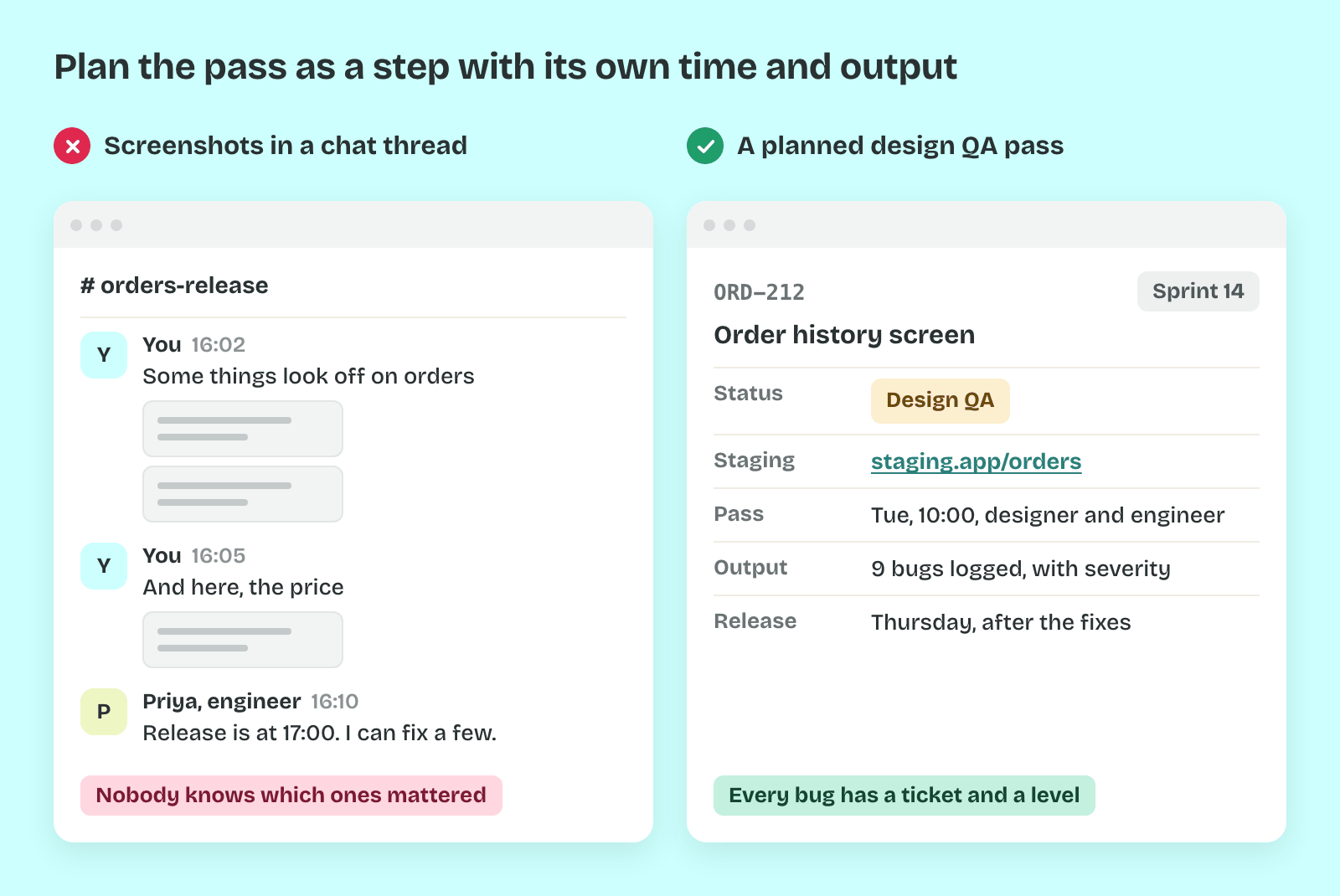
A design QA pass with no shape tends to happen late and end in a chat thread. Imagine a designer who opens staging an hour before release and posts nine screenshots in Slack. Three get fixed, six ship, and nobody can say which ones mattered.
So a pass works better with four named parts: a moment in the sprint, a scope, the people in it and an output. Here is the same pass run as a chat thread and as a planned step:
When the Pass Happens
A design QA pass happens once the feature runs on a staging build and before it reaches users. A staging build is a private copy of the product that the team can open in a browser or on a phone. In HubSpot's process, as Kizi Arezi described it in 2019, the pass starts when the engineer moves the issue to a Design QA column.
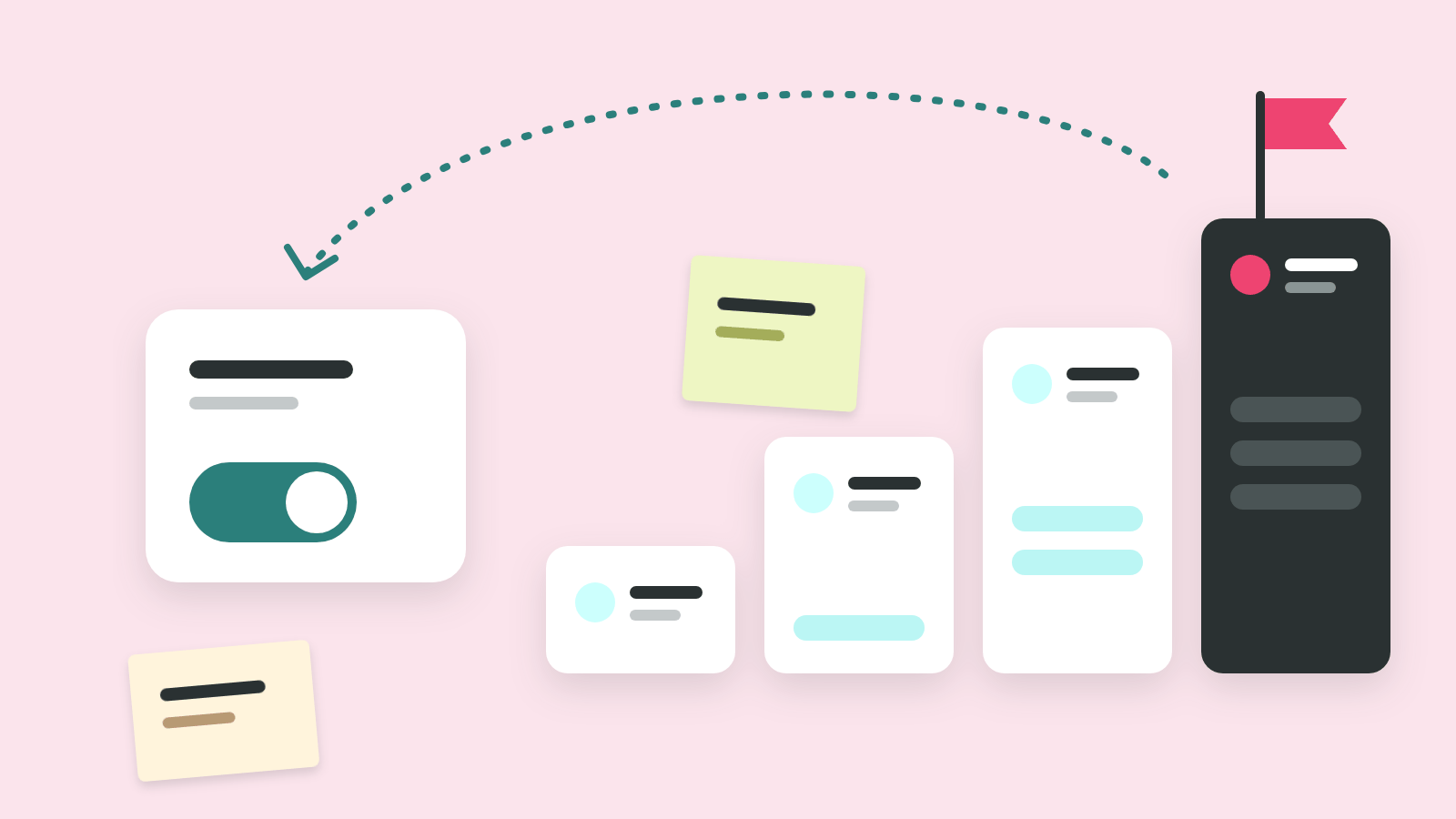
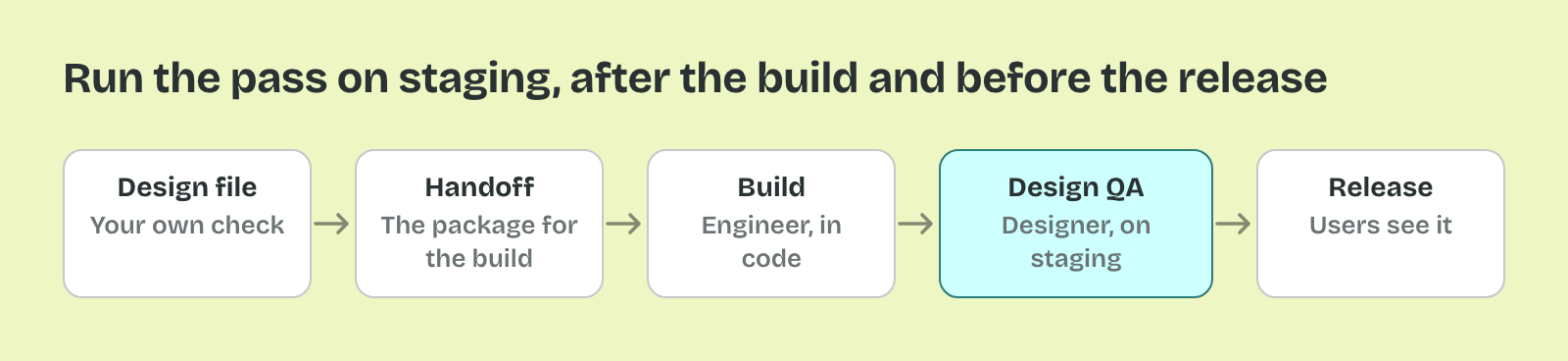
That timing matters because a fix costs more the later it lands. A wrong gap caught on staging is a small code change before anyone sees it. The same gap found after release needs a new ticket, a new build and another release. Here is where the pass sits on a feature's path from the file to users:
What a Pass Covers
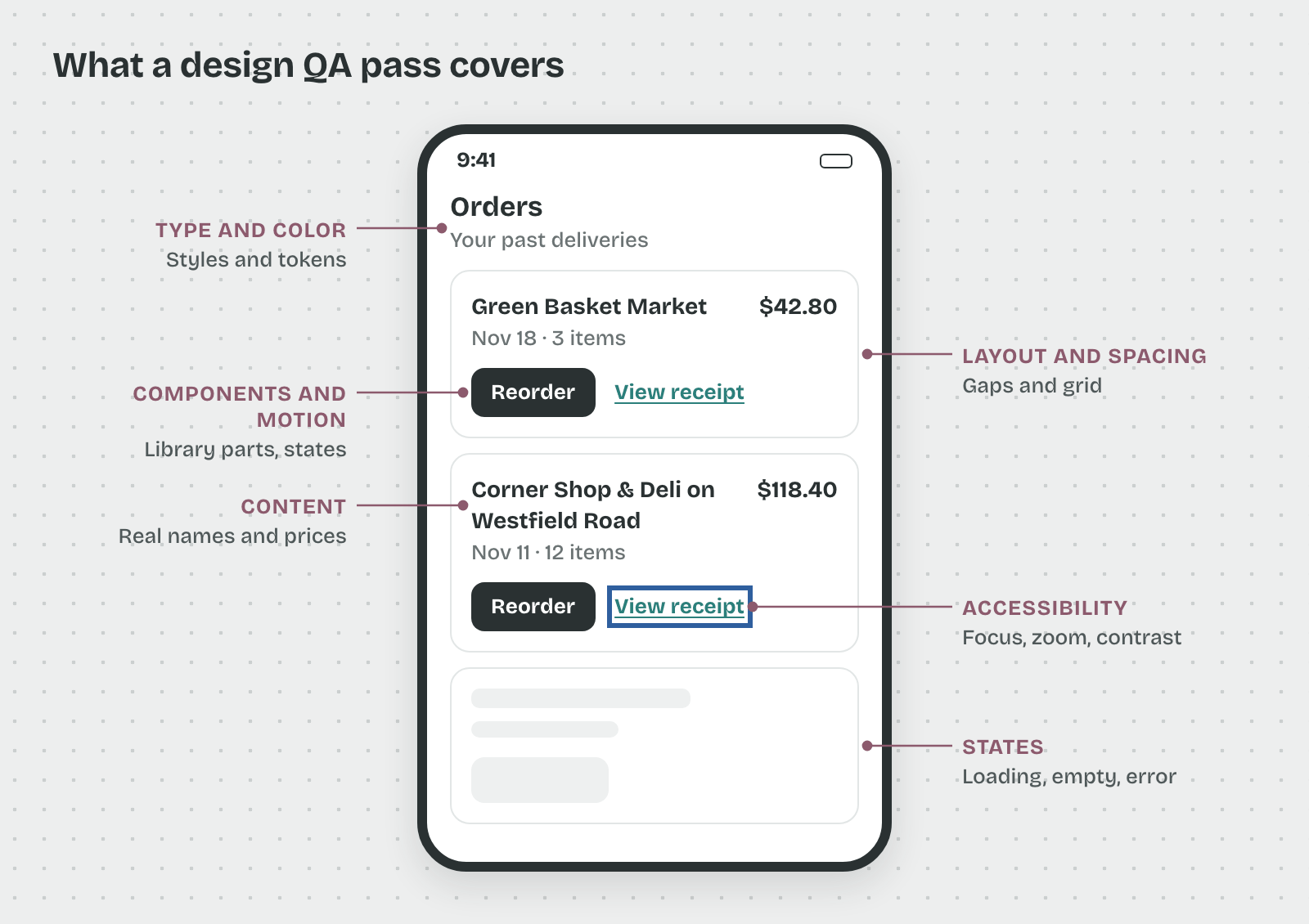
A pass compares the build with the design on the parts a build can drift on. A useful scope has six areas, each checked on a real screen:
- Layout and spacing: gaps, alignment and the grid at each breakpoint.
- Type and color: text styles, sizes and color tokens.
- Components and motion: library parts with their hover and focus looks, plus durations and easing.
- States: empty, loading, error and success.
- Content: real names, prices and long text in place of sample data.
- Accessibility: keyboard, zoom and contrast, checked in the build.
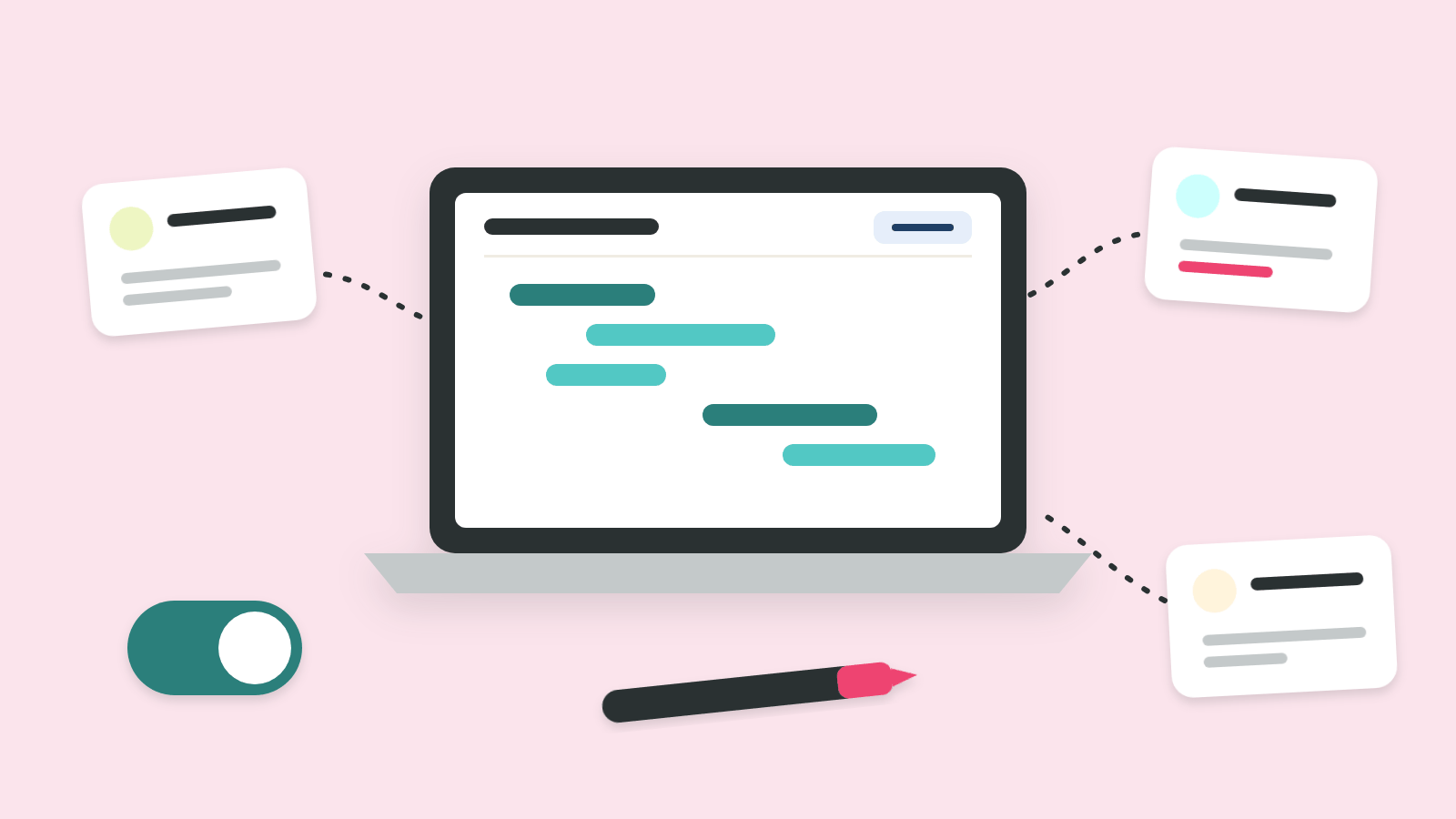
Those areas come from the quality bar written before the build, which Design Workflows teaches. HubSpot's sample checklist covers similar ground, from edge cases and error states to small screens and accessibility. Here are the six areas marked on a staging build of an order history screen:
Who Takes Part
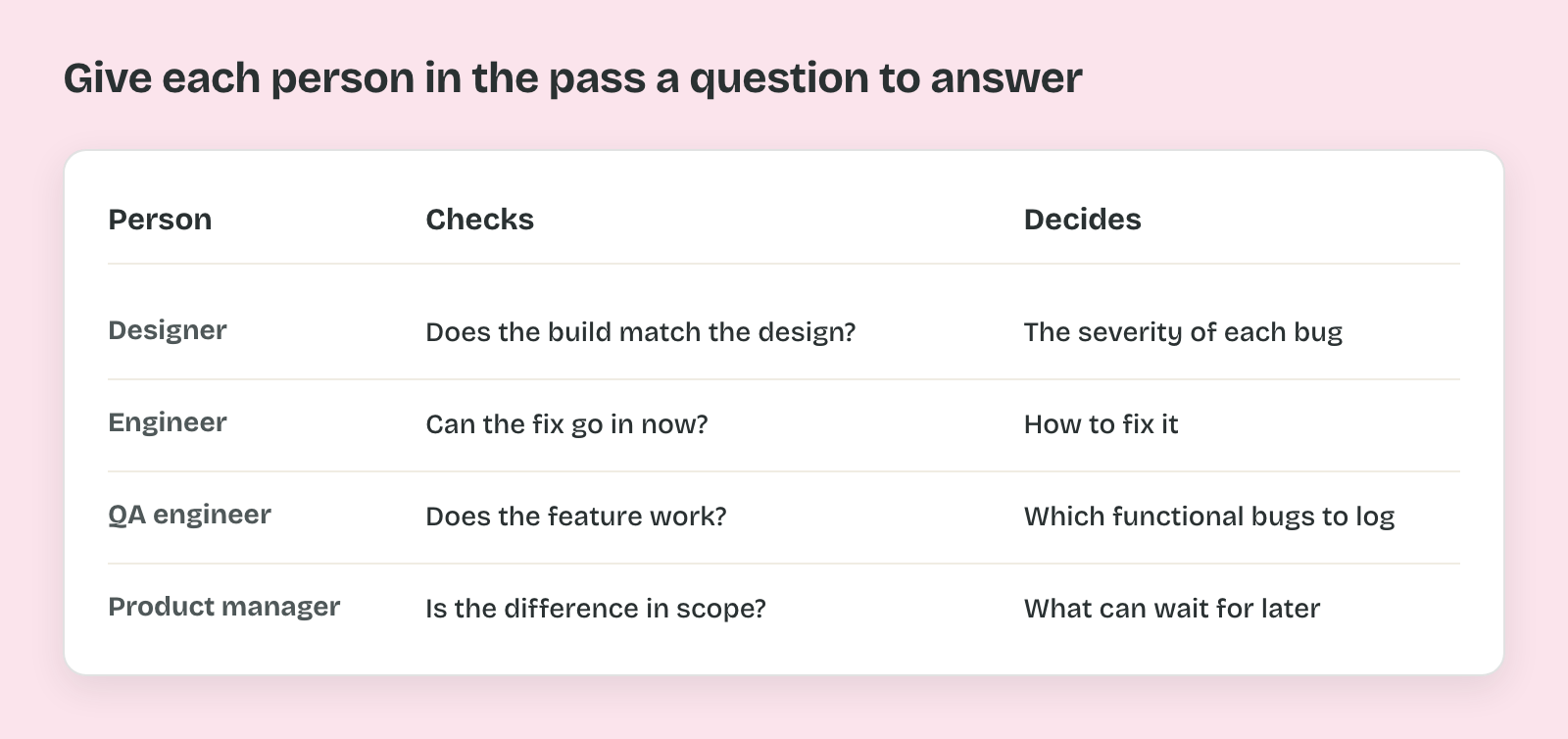
The designer runs the pass, because the designer knows what the design intends. The engineer who built the feature joins for at least part of it, so fixes get agreed on the spot. At HubSpot, the engineer also records a GIF or a screen recording of the build for the designer.
Beyond those two, other people often help. A QA engineer, where the team has one, tests whether the feature works, while the designer tests whether it matches. The product manager joins when a difference raises a scope question, such as a state nobody designed. Here is what each person checks and decides during a pass:
What a Pass Produces
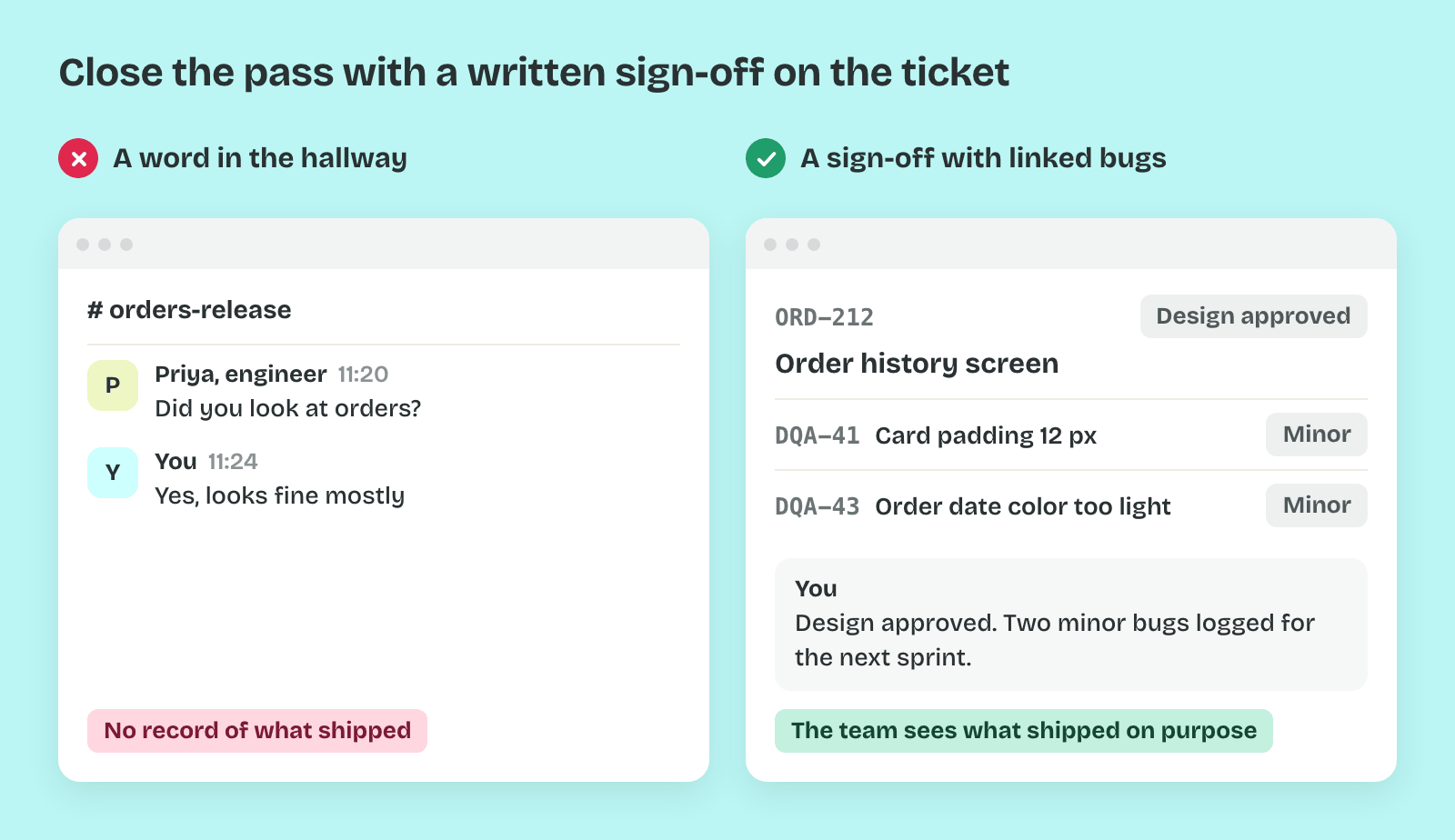
A pass ends with two things: a list of logged design bugs and a sign-off. Each bug goes into the team's tracker with a severity, so it gets fixed or scheduled like any other ticket. The sign-off is a short written note that the build matches the design, apart from the bugs listed.
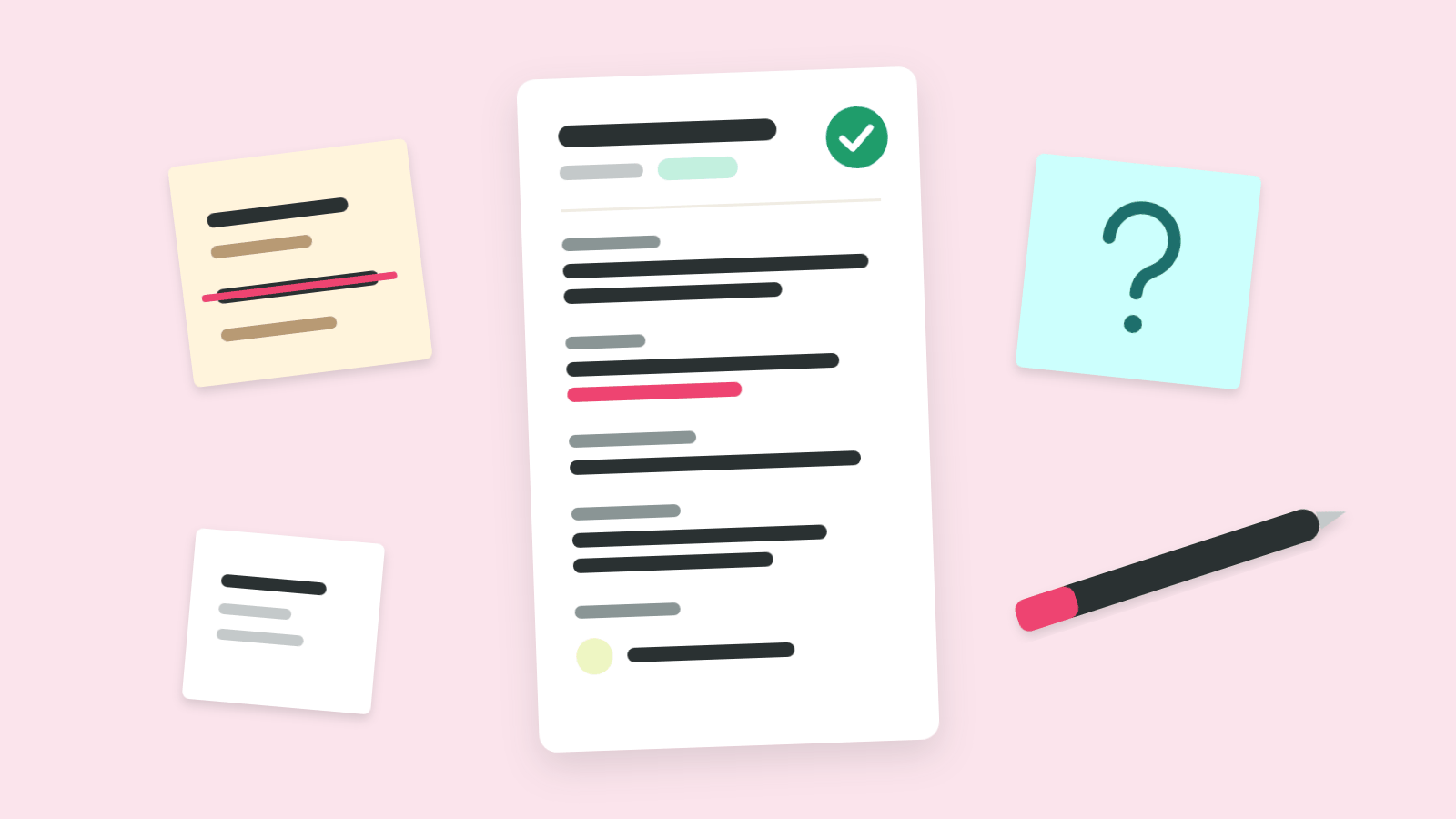
That written note matters because a "looks fine" in a hallway leaves no record. A comment such as "Design approved, two minor bugs logged for the next sprint" tells the whole team what shipped on purpose. Here is a ticket after a pass, with its bugs and the sign-off:
Pro tip: Ask for the staging link in the ticket before the build starts. A pass booked on the first day of the build gets its time, while one squeezed in on release day is the first thing to drop.