Dark Mode Is Not Light Mode Flipped
The first time someone asks you to “add dark mode,” there's a tempting shortcut: just invert the colors. Light backgrounds become dark, dark text becomes light, done. Ship it.
Learn dark mode the easy way: with your eyes closed, on the train home.

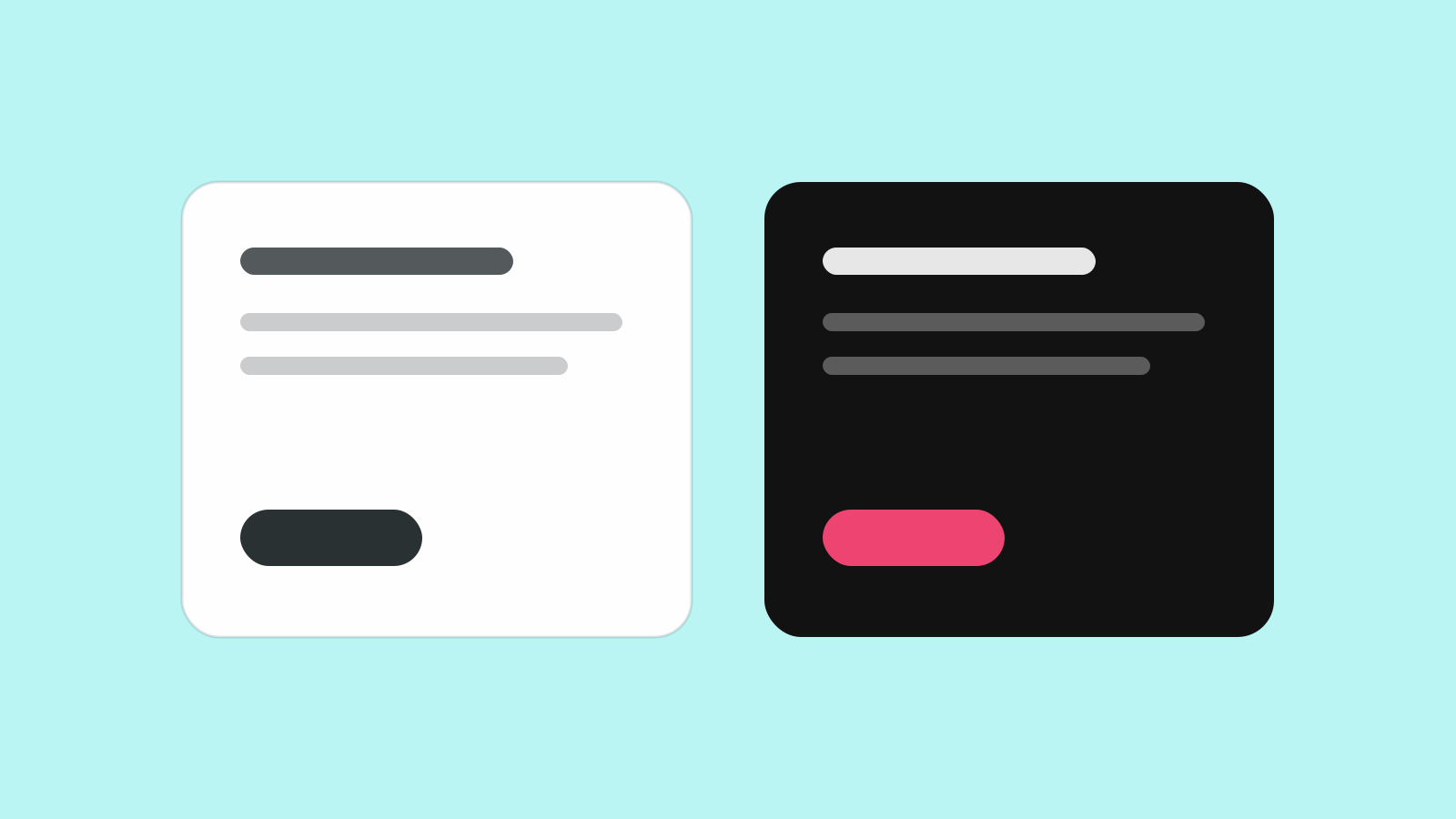
The result is almost always terrible. Photographs turn into negatives. Brand colors look radioactive. Borders that were barely visible become glowing outlines. Anything with a drop shadow looks wrong in ways that are hard to articulate but impossible to miss.
Dark mode is not light mode flipped. It's a different set of decisions made for a different viewing context.
What Changes in the Dark
In light mode, the primary surface is light and content sits on top of it. The hierarchy is: surface first, then elements. Text and icons are dark because they need to read against a light background.
In dark mode, the background is dark, but the logic stays the same: you still need contrast between surface levels, readable text, visible interactive elements, and meaningful feedback states. What changes is how you achieve those things.
Backgrounds aren't pure black.The most common beginner mistake is using #000000 as the dark mode background. Pure black next to any other color creates extreme contrast that looks harsh and makes saturated colors vibrate. Real dark mode backgrounds are dark grays, typically in the #0F0F0F to #1C1C1C range, or dark navy blue-grays for products that want warmth. Material Design 3 recommends #1C1C1E for iOS-style dark backgrounds.